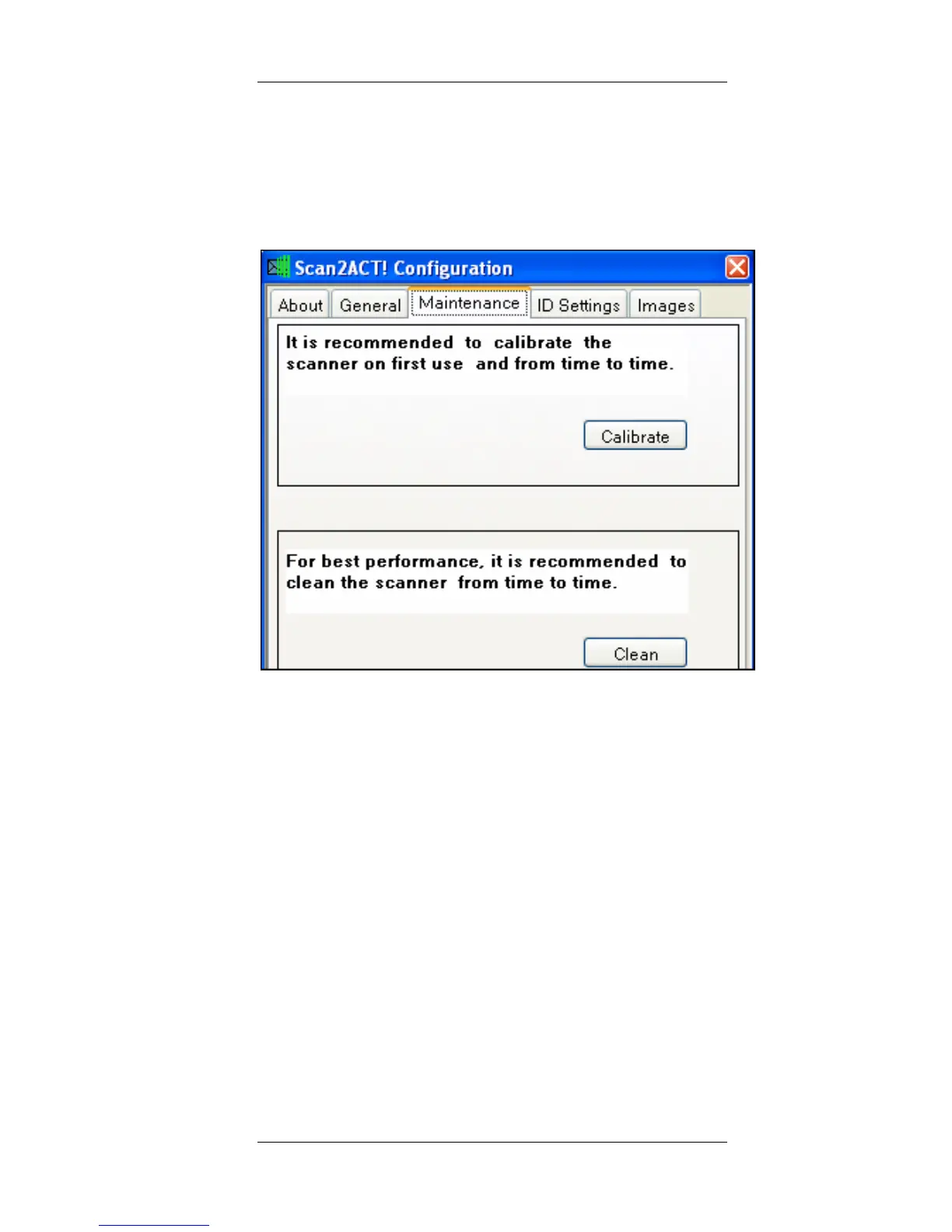
Configuration Scan2CRM for Act! Window
Scan2CRM for Act! User Guide, version 3.5 11
3. Maintenance tab – This tab is used
for calibrating and cleaning the scanner
- necessary for ensuring proper
functioning.
Scanner calibration
Scanner calibration resets the scanner color
sensor and generates higher accuracy in the
OCR detection process. When you use the
scanner for the first time, you will be prompted
to calibrate the scanner.
Calibrating the scanner is also a good idea if
you notice deterioration in scanning and OCR
quality.



 To Next Page