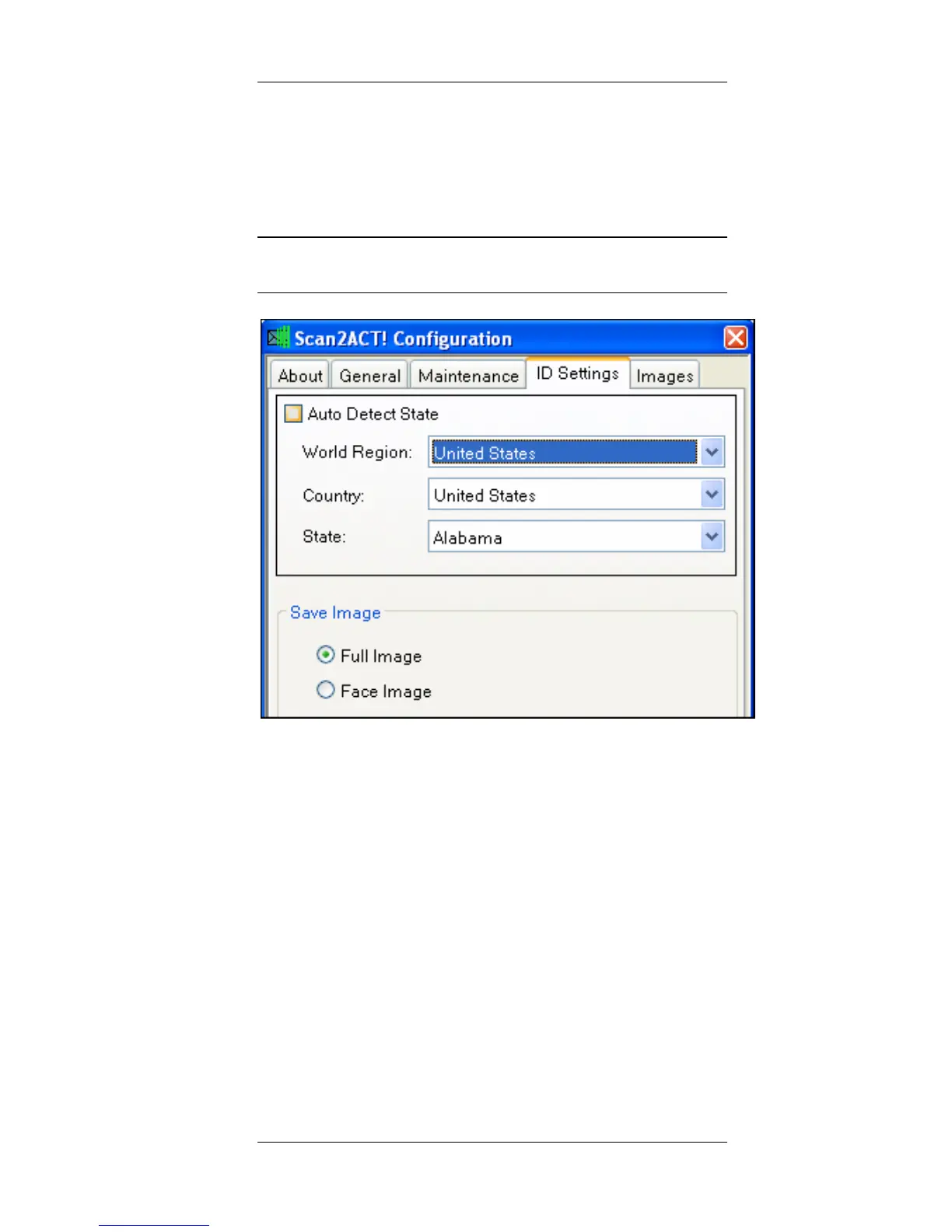
Configuration Scan2CRM for Act! Window
Scan2CRM for Act! User Guide, version 3.5 13
4. ID Settings tab – Allows you to
specify detection parameters of ID
cards, and how the Image of ID cards is
saved.
Note: This tab is unavailable with the ScanShell
800N scanner.
Auto Detect State – Select this option for
automatic detection of the issuing American
state when scanning American ID cards and
driving licenses. If this option is selected, the
manual detection options are disabled.
Manual detection options of ID cards and
driving licenses:
Select the world region, and the ID card's
issuing country and state (if applicable) from
the dropdown lists.
Save Image – Determine how the ID
card/driver license image is saved; the



 To Next Page