Getting Started Connecting the scanner
4 Scan2CRM for Act! User Guide, version 3.5
After the Add new hardware wizard dialog
box appears, click Next until you are asked
to set the driver for the reader. You’ll find the
driver on the Installation CD at:
< CD-ROM drive >:/Driver/800 (for
the ScanShell 800 or 800N scanner
model for ScanShell 800N)
After you specify the driver, click Next.
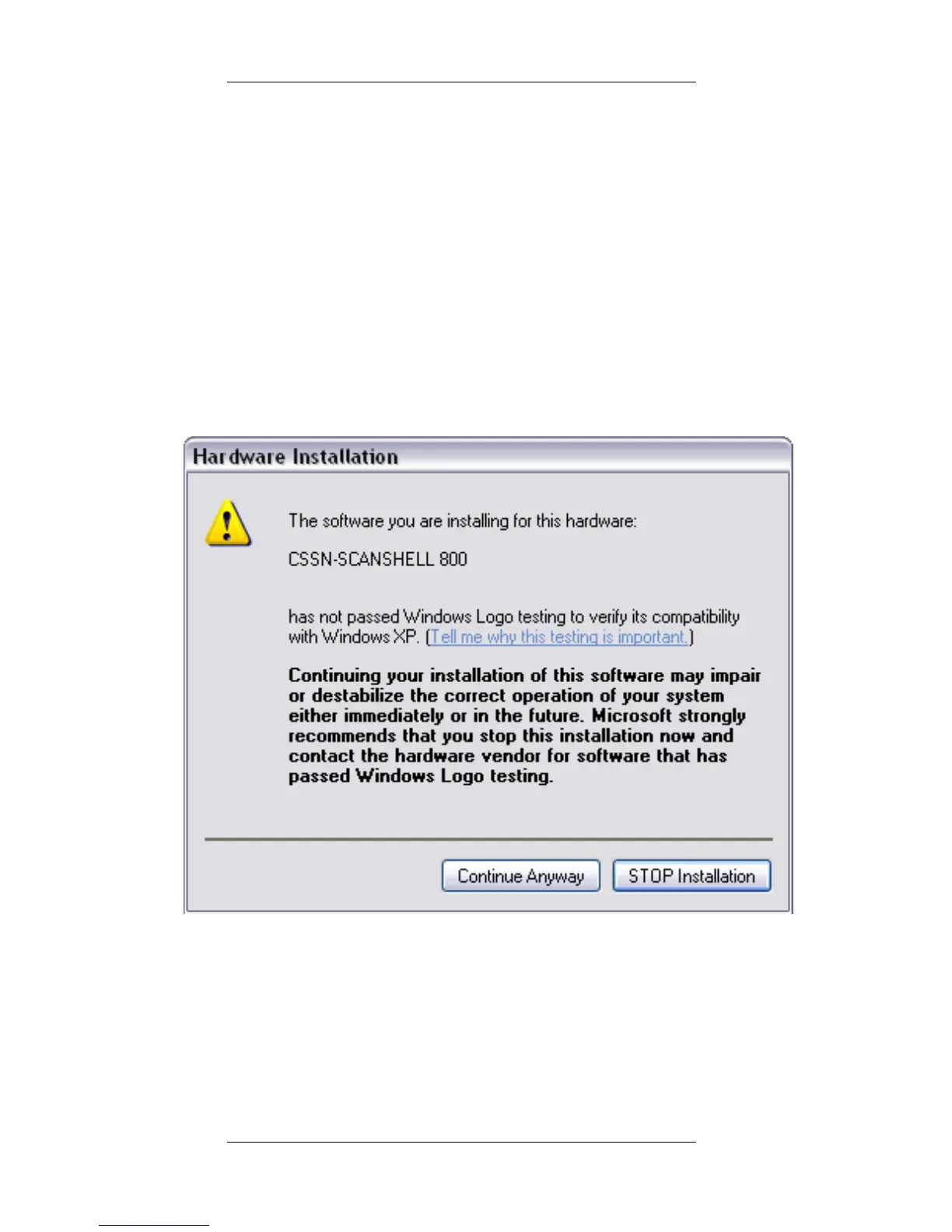
You will be presented with a standard
Windows message:
Click Continue Anyway. The installation of
ScanShell scanner drivers is safe for you
computer and will not affect your system.
Click Next until the installation is complete.



 To Next Page