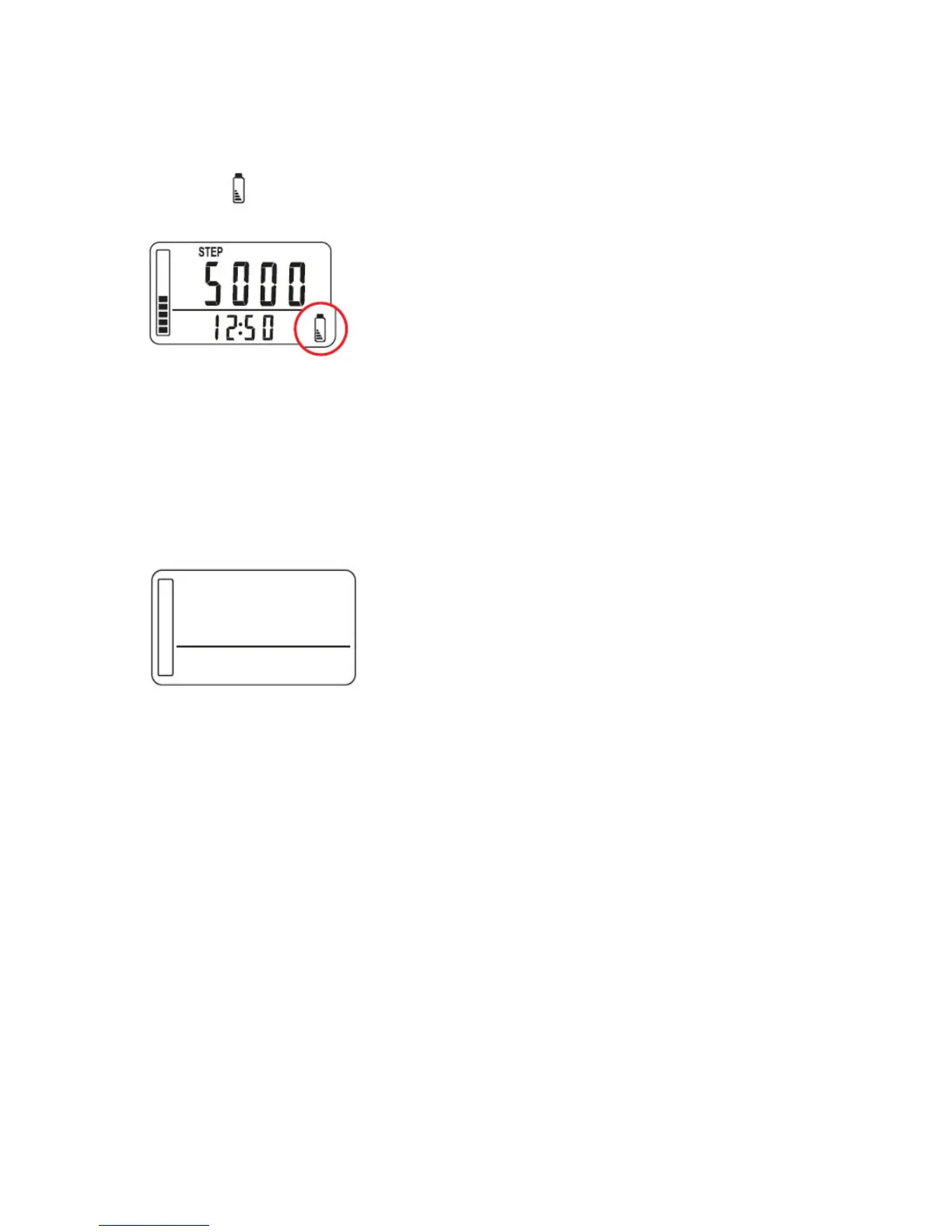
16. LOW BATTERY INDICATOR
When the battery power has dropped to a certain level, the low battery indicator
icon will show up on the display. It is time to replace with a fresh battery.
17. SLEEP MODE
If the pedometer is left idle for 30 seconds, the LCD display will shut off
automatically. If any movements are detected, the pedometer will wake up from
sleep mode.
Sleep mode: LCD display automatically shut off
18. SYSTEM RESET
Use the SYSTEM RESET function in the following situations:
- When the batteries are being replaced
- When the display becomes unrecognizable
- When pressing any keys have no actions
Press the SYSTEM RESET button on the back of the unit with a paper clip. The display
will revert to its default settings
WARNING: all data stored in MEMORY and the set data (time, weight, and stride
length) will be erased. You will need to set the time, weight and stride length again.



 To Next Page