12. STEP FUNCTION
Step counter up to 99,999 steps
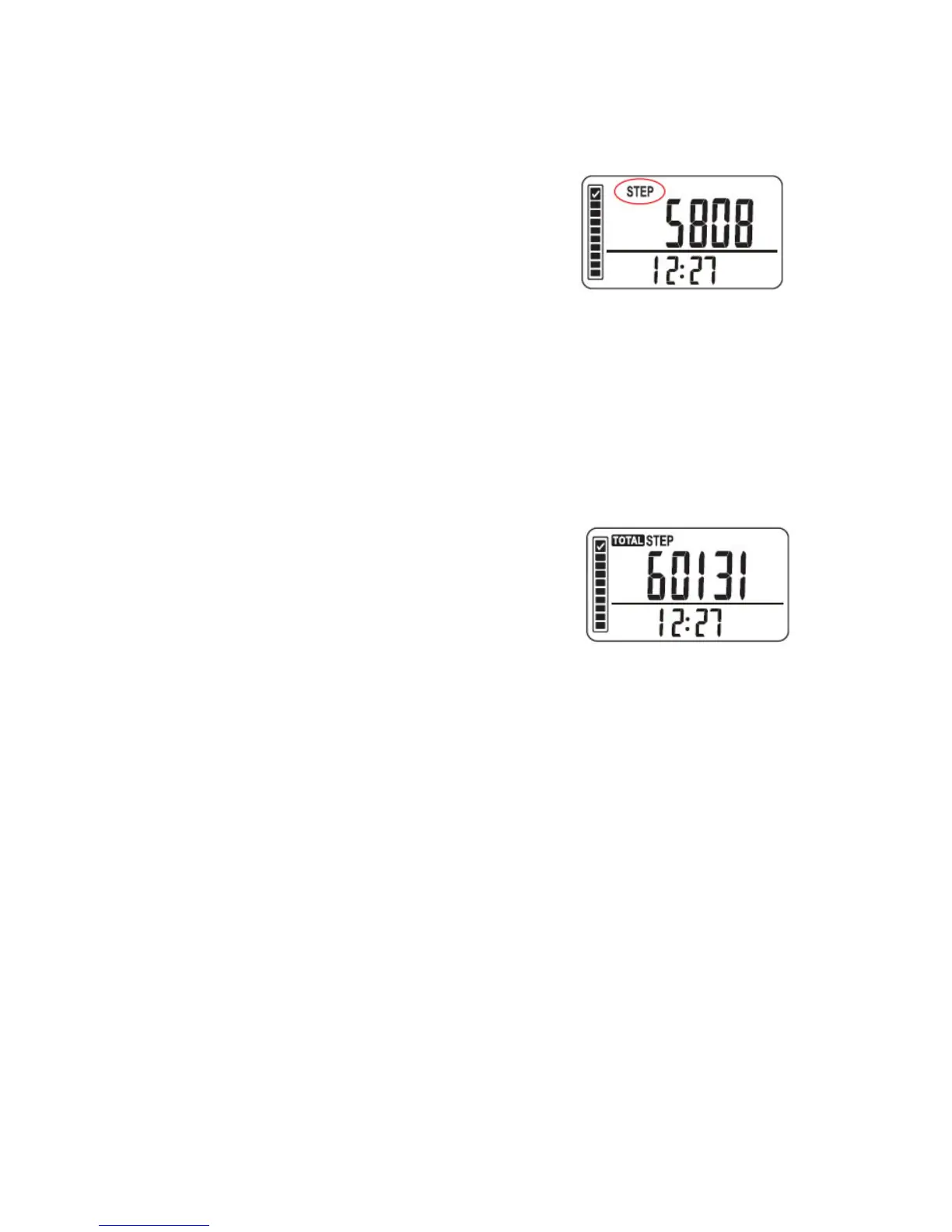
Press the MODE button until the top of the display
shows the word “STEP”. This shows the number of
steps walked during the day.
Reset the day step counter: Press and hold the RESET
button until the digits revert back to zero.
WARNING: The pedometer data for the day will be reset to ‘0’. (This however will
not erase the memory or total steps, as described in the TOTAL STEP FUNCTION.)
13. TOTAL STEP FUNCTION
Step counter up to 99,999 steps
Press the MODE button until the top of the display
shows the words “TOTAL STEP”. This shows the total
number of steps accumulated since the last reset of
the pedometer. This is the total number of steps
walked over a period of time.
While in “TOTAL STEP” mode press the SET button repeatedly to view:
Total Distance Walked
Total Time Walked
Reset the Counter: While in “TOTAL STEP” mode press and hold the RESET button
until the digits revert back to zero.
WARNING: All pedometer step data including memory will also be reset to ‘0’.



 To Next Page