7. QUICK TIPS FOR SETUP AND ENTERING DATA
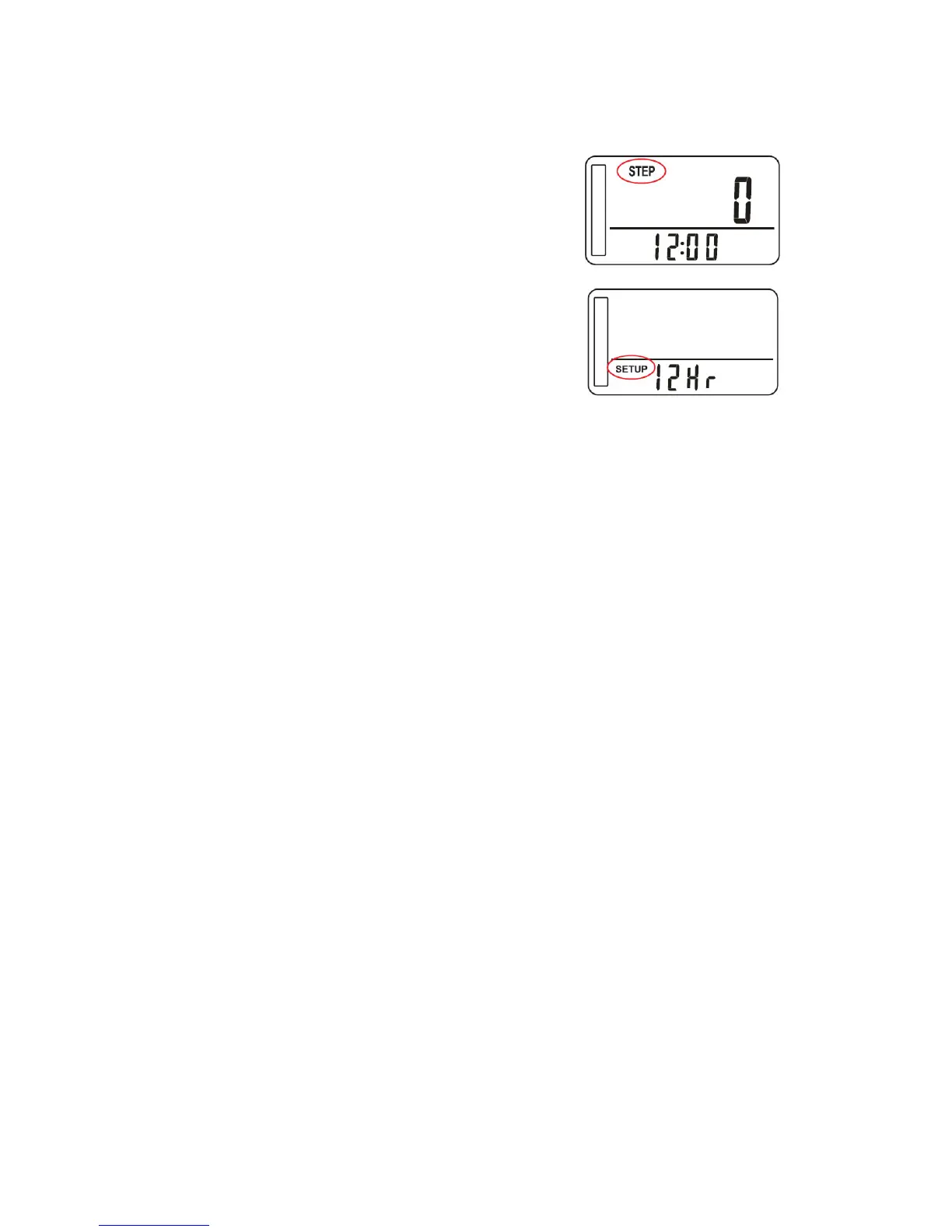
1) To enter “SETUP” press the MODE button until
the display shows “STEP” mode
2) Press and hold the SET button for at least 4
seconds
3) The display will start to Flash
In general
- Press the SET button to move through the
options
- Press the RESET button to increase a value
- Press the MODE button to decrease a value
- Holding down either the RESET or MODE buttons increases / decreases the
numbers rapidly
To exit setup mode
Do not press any buttons, after 10 seconds the pedometer will exit setup mode and
store the information you entered.



 To Next Page