10. TEN STEPS ERROR CORRECTION
To avoid counting sudden movements as steps, the counter will not count any
movement less than 10 consecutive steps. Once you have walked 10 consecutive
steps the pedometer will then begin counting 11, 12, 13 etc.
IMPROPER STEP COUNTING
The pedometer may not count steps correctly in the following conditions:
- Irregular motion such as swinging and vibrating
- Inconsistent walking pace
11. CHANGING THE DISPLAY
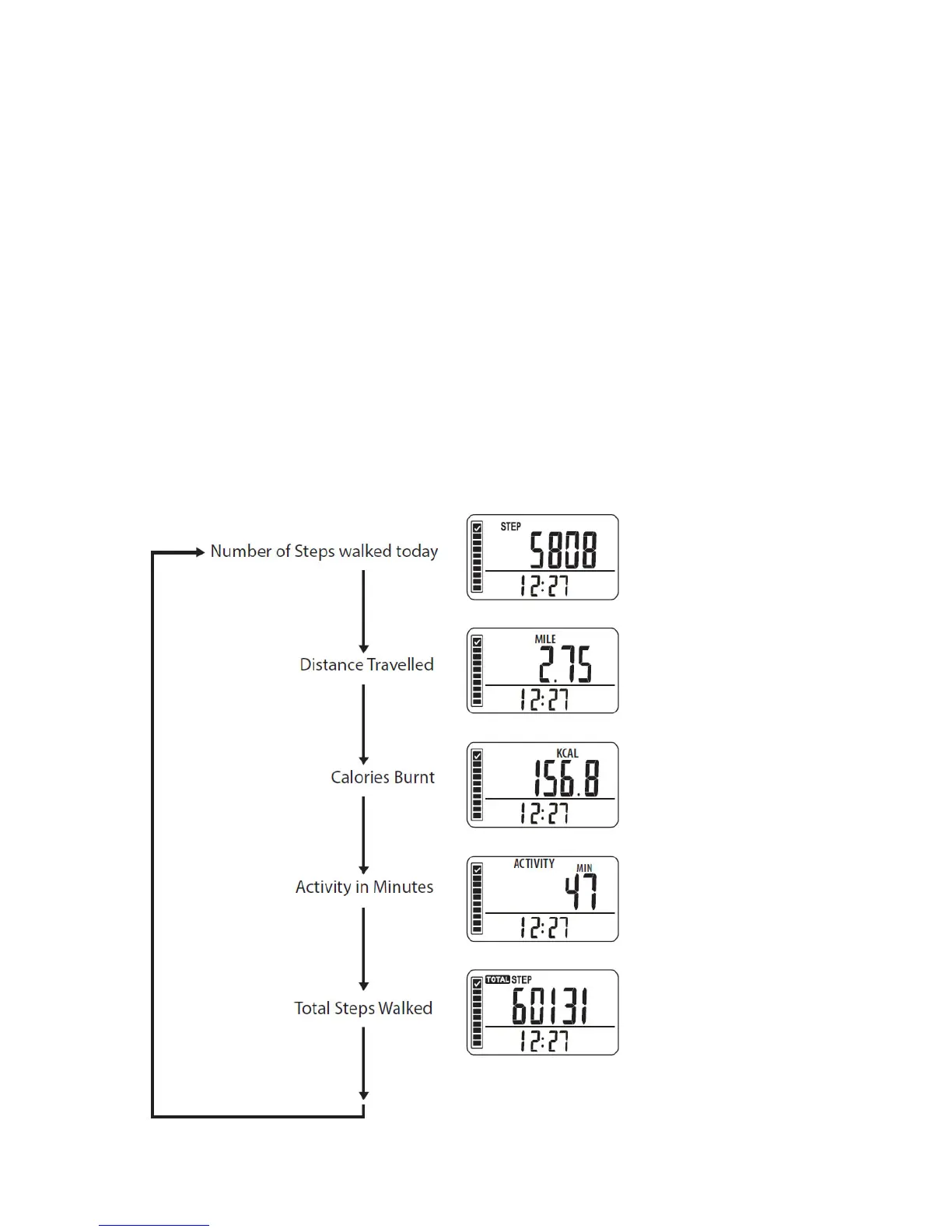
Press the MODE button to change the display.
Each time you press the MODE button, the display will change:



 To Next Page