Chapter 2. Hardware Installation
2-1
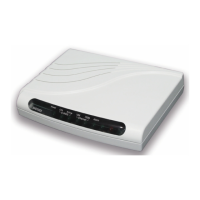
This chapter shows the front panel and how to install the hardware.
I. Front Panel
The front panel contains LED status
The LCD can show the status and configuration of the product. The
local management interface will be done by push button keys and LCD
display. For more detail, refer to Chapter 4: Configuration.
The purpose of key pad is to configure the SHDSL NTU. Review
Chapeter 4 for detail configuration.
Key Pad Description
Exit/- Return to previous configuration menu.
Enter/+ Skip to next configuration menu or configure the items.
L Select other parameter in the same level menu.
R Select other parameter in the same level menu.


 To Next Page
 Loading...