GETTING STARTED
17
USING SHORTCUT KEYS
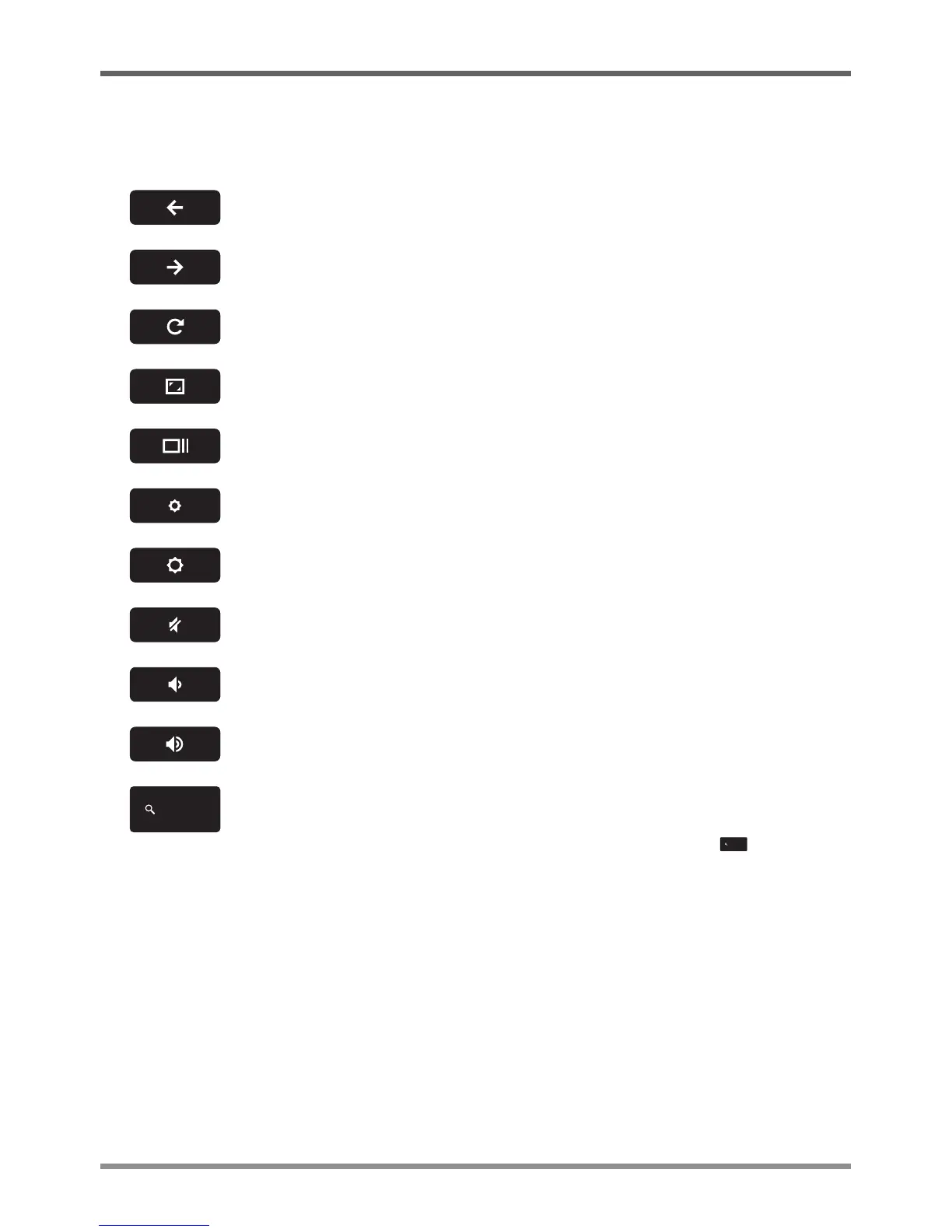
YourChromebookhas11shortcutkeysalongthetoprowofthekeyboardthathavevariousfunctions.
Gotothepreviouspageinyourbrowserhistory
Gotothenextpageinyourbrowserhistory
Reloadyourcurrentpage
EnterImmersivemode,whichhidesthetabsandlauncher
EnterOverviewmode,whichshowsallwindows
Decreasescreenbrightness
Increasescreenbrightness
Mute
Decreasethevolume
Increasethevolume
Searchyourappsandthewebatthesametime.OnyourChromebook,thiskey
islocatedontheleftside,whereyounormallyfindtheCapsLockkeyona
traditionalkeyboard.ToenabletheCapsLockkey,pressAlt+ key.


 To Next Page