8
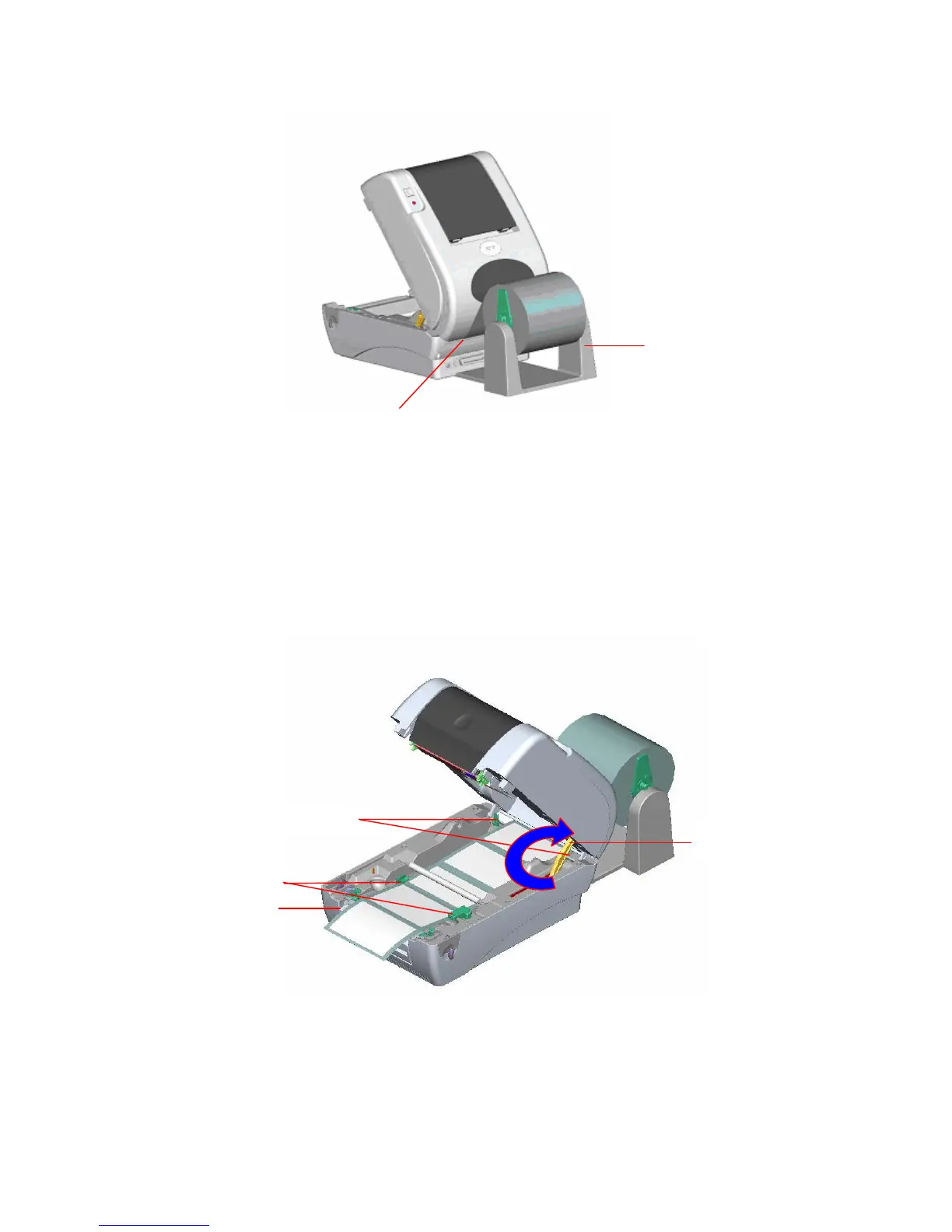
Fig. 10 External roll mount label installation (I)
4. Feed the paper, printing side face up, through the paper guide and pass over the
platen.
5. Adjust the paper guides to fit the paper width.
6. Close the printer top cover by lifting the top cover to the maximum opening angle then
push down the top cover gently.
Fig. 11 External roll mount label installation (II)
External Paper Feed Opening
External Paper Roll
Mount
Paper Guide
Platen
Rear Paper Guide
Top Cover Support



 To Next Page