3
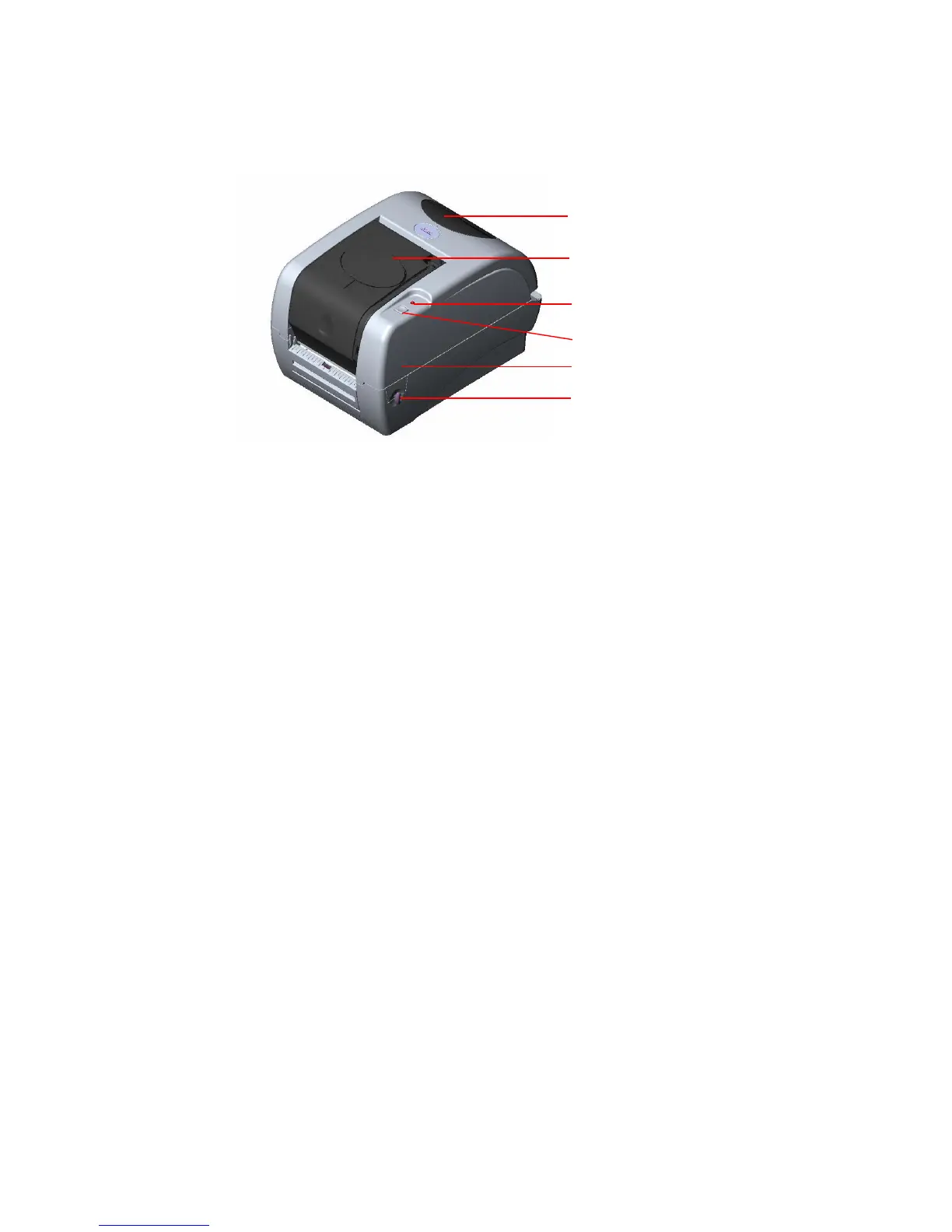
2.3 Printer Parts
Fig. 1 Top front view
3. Setup
3.1 Setting Up the Printer
1. Place the printer on a flat, secure surface.
2. Make sure the power switch is off.
3. Connect the printer to the computer with the Centronics, Serial or USB cable.
4. Plug the power cord into the power supply connector at the rear of the printer, and
then plug the power cord into a properly grounded receptacle.
Top Cover Open Lever
LED Indicator
Feed Button
Printer Top Cover
Ribbon Access Cover
Clear Window



 To Next Page