7
Note: 1. Make sure hands are not placed between printer top cover and lower cover
when close the top cover.
2. Do not free fall the top cover.
3. Failure to securely close and lock the cover will result in poor print quality.
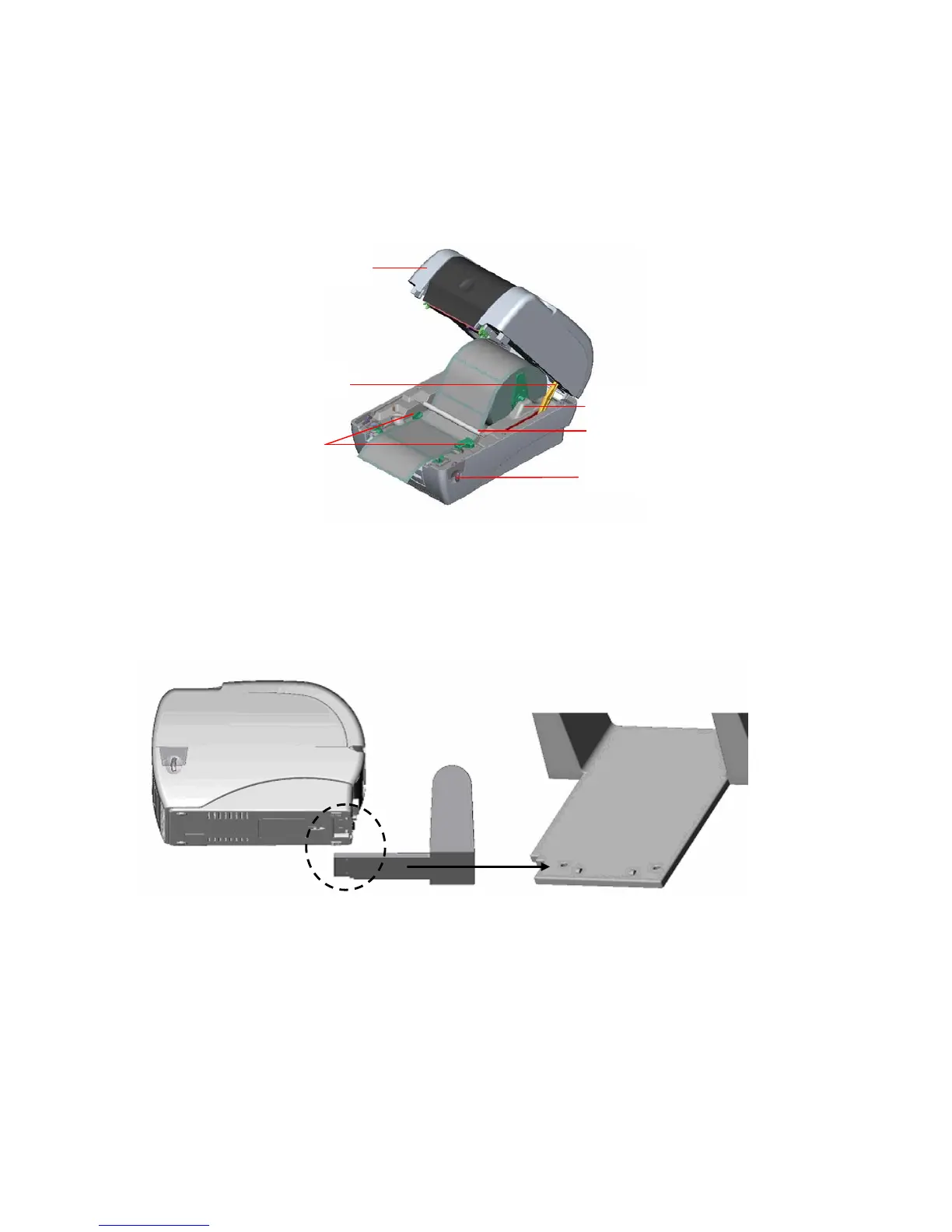
Fig. 8 Label installation (II)
3.4 External Label Roll Mount Installation
1. Attach an external paper roll mount on the bottom of the printer.
Fig. 9 Attach the external roll mount to the printer
1. Open the printer top cover by releasing the top cover open levers. The top cover
support will hold the printer top cover.
2. Install a roll of 3" core labels on the external roll mount, using the 3" core adapter.
3. Feed the label to the external paper feed opening through the rear paper guide.
Printer Top Cover
Top Cover Support
Paper Guide
Teflon Ba



 To Next Page