12
3.5.1 Loading the Paper in Peel-off Mode
Note: Both thermal and plain paper are compatible with the peel-off function
PVC and vinyl are not compatible with the peel-off function.
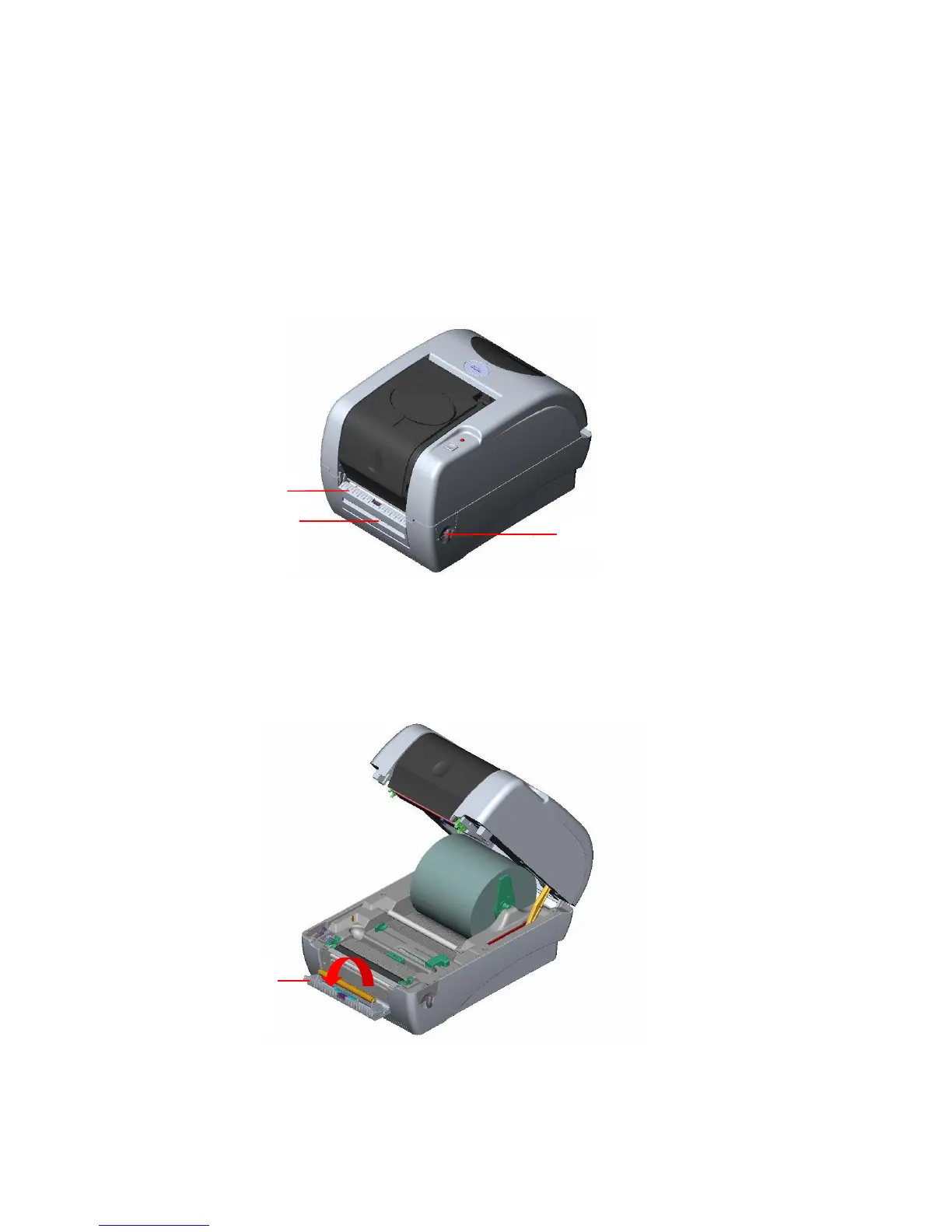
1. Insert a 1” label spindle into a paper roll.
2. Open the printer top cover by pulling the top cover open levers. The top cover support
will hold the printer top cover.
Fig. 18 Open the top cover
3. Install the label roll on the label roll mount.
4. Open the peel-off panel by pulling it out.
Fig. 19 Open the peel-off panel
Peel-off
panel
Top Cover Open Lever
Peel-off panel
Backing paper
Opening



 To Next Page