CUBICON Single Plus User Manual
25
9-1. USB cable connection between PC and printer
PC and the printer are connected with USB cable. (Make sure to install a cubicreator related driver in the
cubicreator installation process.)
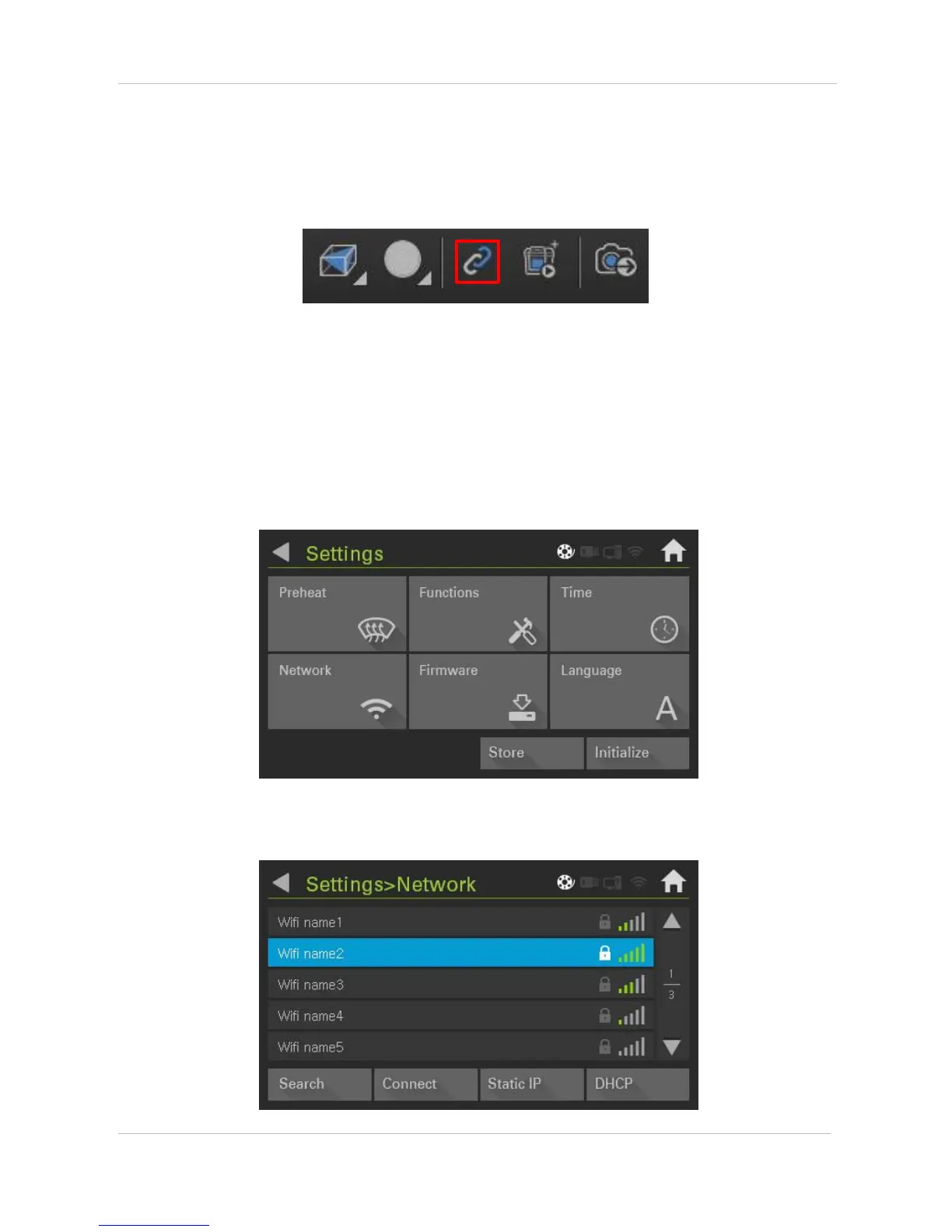
Indicated icon activation means completion of printing preparation. Refer to the cubicreator manual for
detailed printing method.
9-2. WIFI connection
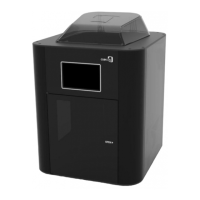
Go to ‘Settings’ and select ‘Network’.


 To Next Page