Wired Touch Panels - User Manual
26© CUE, a.s. | All Rights Reserved.
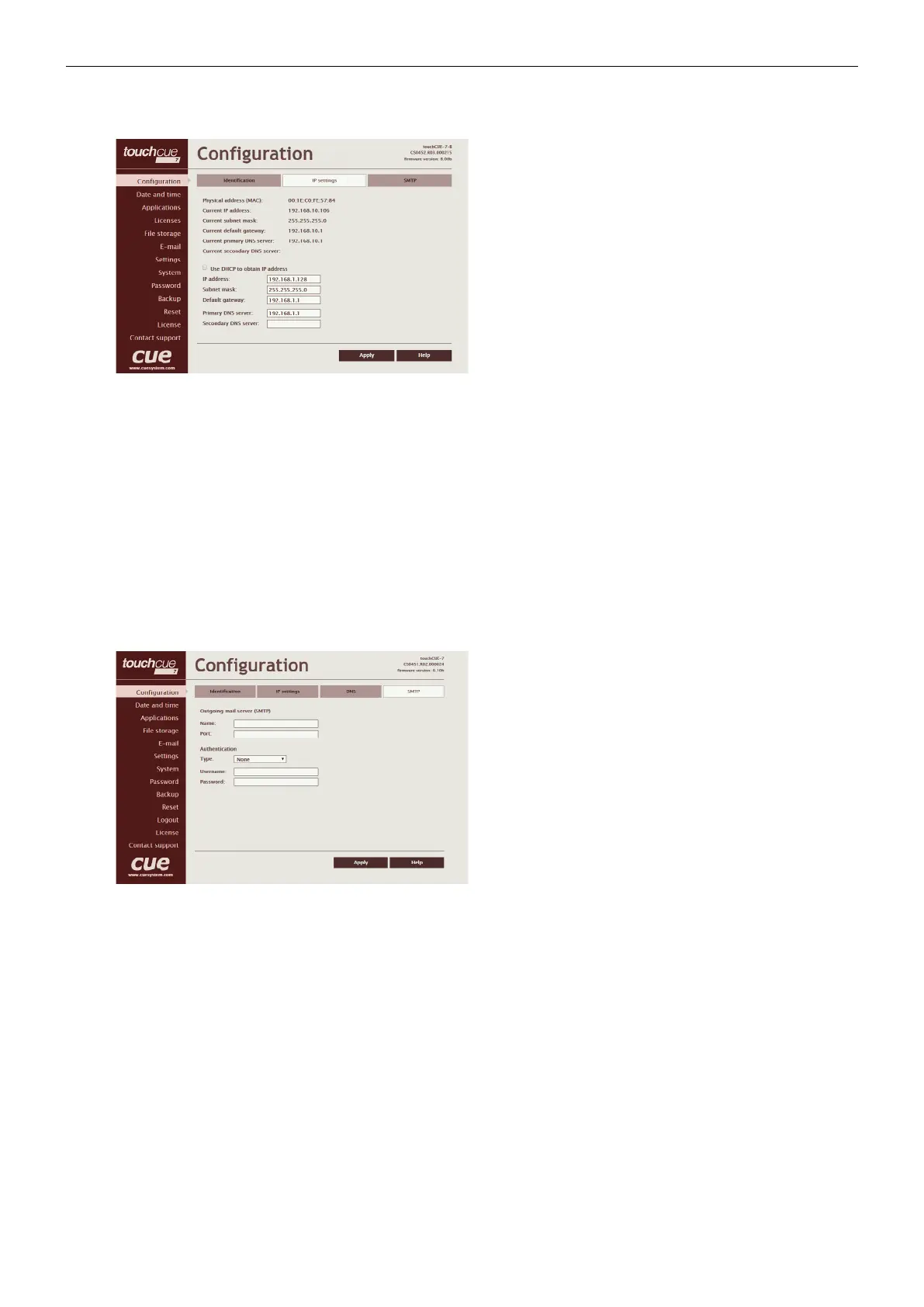
IP Settings
This page is used for establishing the communication
parameters for your CUEunit.
The CUEunit uses standard internet protocol (IP)
communication parameters. Certain parameters can
be reset by the user. On start up, this page will display
the CUEunit’s given Physical address (MAC), Current
IP address, Current primary DNS server and Current
secondary DNS Server. Carefully note this address
information (and any changes you make to the IP address,
subnet mask, default gateway or primary and secondary
DNS server). You can also set CUEunit to obtain IP address
automatically from DHCP server. For it check the checkbox
Use DHCP to obtain IP address. IP address or Magic name
must be entered into the Cue Visual Composer program
written for your specific application. For control systems with
more than one CUEunits, a unique IP address must be given
to each CUEunit.
Some control systems are “stand alone” and not part of a
larger network. For such “stand alone” systems, the Magic
name is optional. However, for control systems that are
connected to a larger network, please obtain the Host
name from the network administrator, and enter it into the
Magic name box.
Be sure to click the Apply button for any changes to
become effective!
SMTP
This page is used for setting parameters of SMTP server. Set
a name or an address and the port of your SMTP server.
The SMTP server and port are used by the XPL2 commands
EmailSend and PresetEmailSend.
Be sure to click the Apply button for any changes to
become effective!



 To Next Page