Wired Touch Panels - User Manual
30© CUE, a.s. | All Rights Reserved.
System
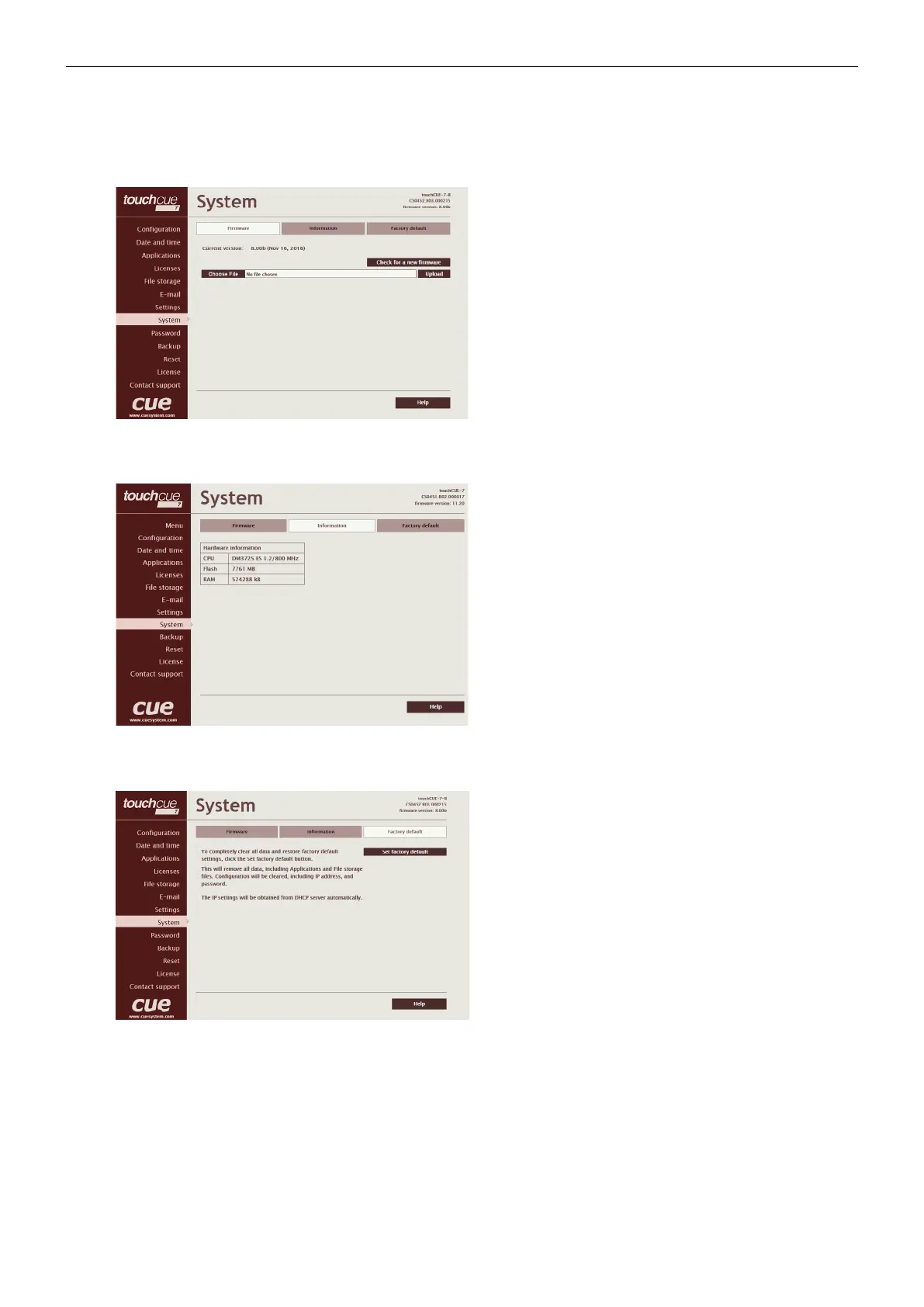
Firmware
This page is used for updating the CUEunit firmware.
The Current version of firmware is shown. To upload new
firmware, select the desired version, and click the Upload
button.
Information
The page shows basic information about your CUEunit’s
hardware. The CPU type, CPU frequency, and the flash and
RAM memory sizes are shown.
Factory default
To completely clear all data and restore factory default
settings, click the Set factory default button.
This will remove all data, including Applications and File
storage files. Configuration will be cleared, including IP
address, password, and touch-screen calibration values.
DHCP will be enabled and IP address will be get from
DHCP server.



 To Next Page