33
01021076
Screen Display Range Setting Description
Set Daylight Savings Time
DAYLIGHT SAVING
YES
Yes,
No
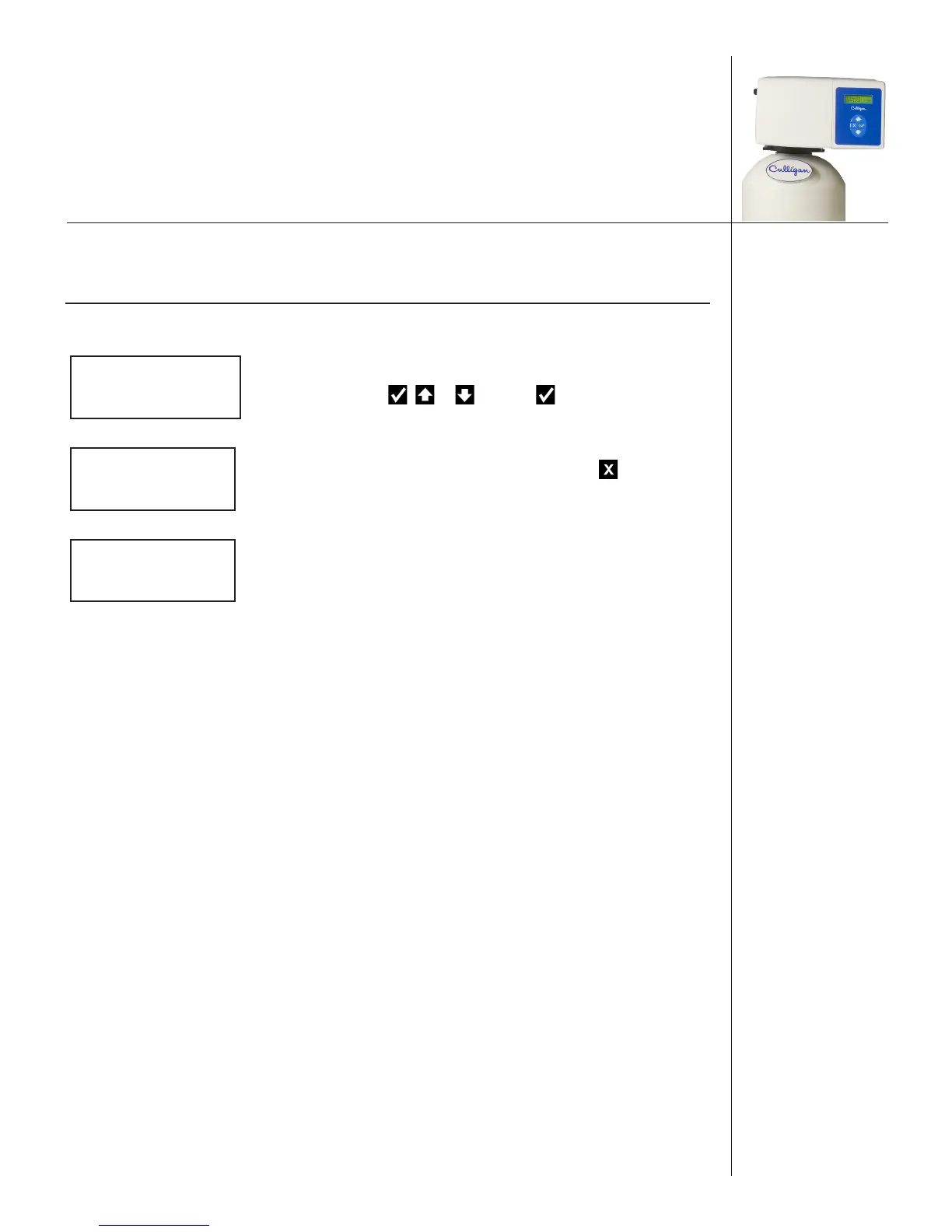
9. The screen displays the Daylight Savings Time setting.
Press or and then to change the setting.
2)MANUAL MODE
>3)SET DATE/TIME
10. The screen displays the main menu. Press to save the
changes and initialize the system.
SOFTENING
JAN-01-13 12:01P
11. The screen displays the home screen.



 To Next Page