If inlet water pressure is greater than 100 psi, a pressure regulator must be
installed prior to the water dispenser connection (not provided).
! !
Flush the new lters as per the manufacturers recommendation before
installing them into the unit!
! !
1
2
3
4
8
ADDING FILTRATION: INTERNAL
3. Mount the lter to the condenser coils inside of
the unit high enough that the lter can be removed.
4. Connect water inlet line (white) (1) to the inlet tting
on the lter head (2). Connect water outlet line (blue) to
the water outlet tting on the lter head (3) and connect
to the tee tting (4).
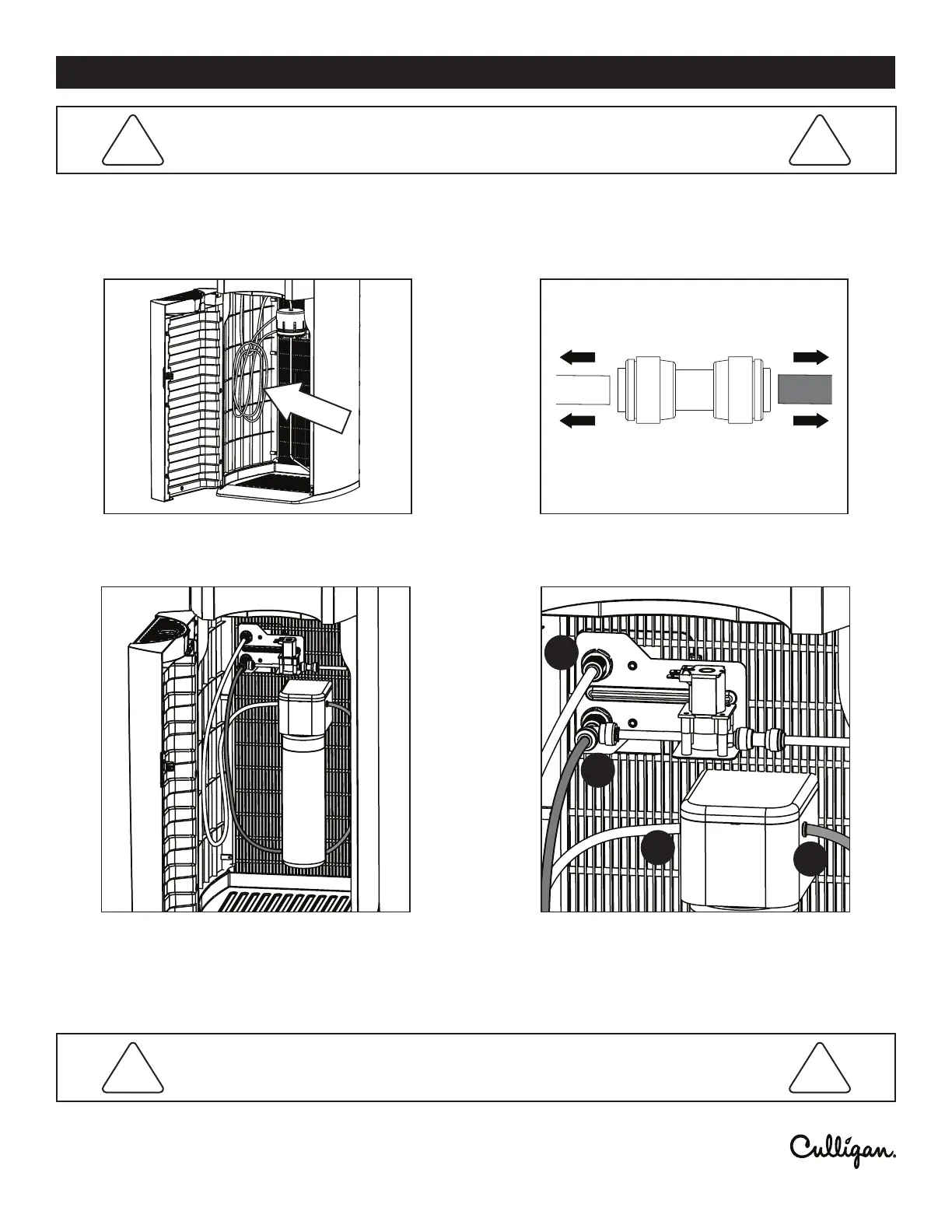
1. If installing a lter, locate the coil of tubing inside the
cabinet on the left side.
2. Disconnect and remove the push t union tting and
use the tube ends to connect to the lter. (see Fig. A)
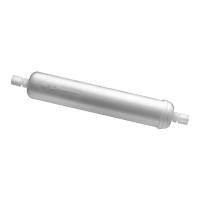
Culligan oers options for ltration to be added to your cooler. Contact Culligan for details.
Smaller lters can will have to be mounted inside the cooler.




 To Next Page