50
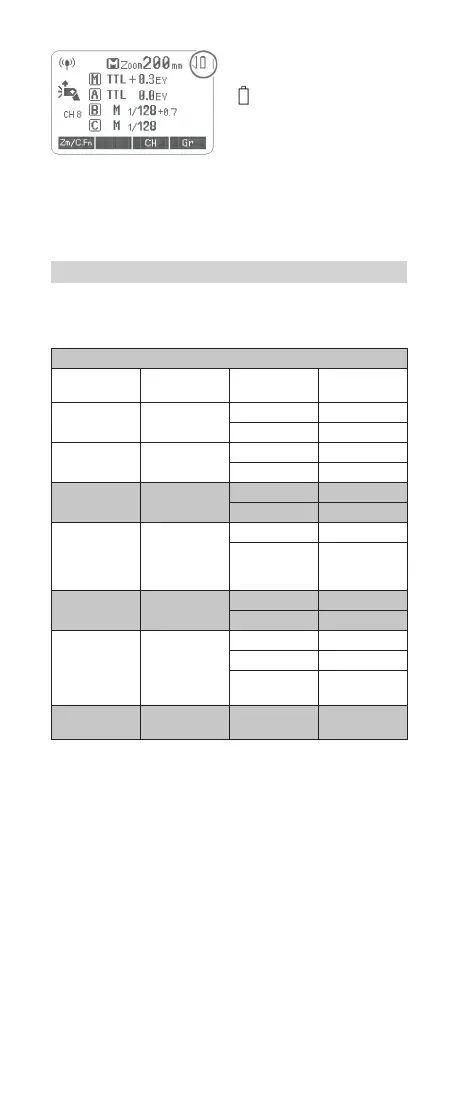
Low Battery Warning
If the battery power is low,
<
> will appear and blink on
the LCD panel. Please replace
the battery immediately.
C.Fn: Setting Custom Functions
The following table lists the available and unavailable custom
functions of this ash.
C.Fn Custom Functions
Custom Func-
tion Signs
Function Setting No.
Setting &
Description
m/ft
Distance
indicator
m m
ft feet
APO
Auto power
off
ON ON
OFF OFF
AF
AF-assist
beam
ON ON
OFF OFF
SvAPOT
Slave auto
power off
timer
60min 60min
30min 30min
BEEP Beeper
ON ON
OFF OFF
LIGHT
Backlighting
time
12sec Off in12 sec.
OFF Always off
ON
Always
lighting
LCD
LCD contrast
ratio
0~9 10 levels
1. Press < Zm/C.Fn > Backlight/Custom Setting Button for 2
seconds or longer until C.Fn menu is displayed. The “Ver x.x” in
the top- right corner refers to the software version.
2. Select the Custom Function No.
Turn the Select Dial to select the Custom Function No.
3. Change the Setting.
• Press <SET> button and the Setting No. blinks.
• Turn the Select Dial to set the desired number. Pressing
<SET> button will conrm the settings.
4. In the C.Fn states, long press the “Clear”button for 2 seconds
until “OK”is displayed on the panel, which means the values in
C.Fn can be reset.
Factory Settings
To restore the ash to factory settings keep pushed the function
buttons 2 and 3 together for a short time.
FR60X_Nikon 171010.indd 50 10.10.2017 17:14:08



 To Next Page