PAGE 13
3. Rotate the output control thumb wheel clockwise as far as it will go. Move
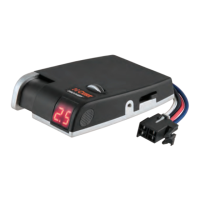
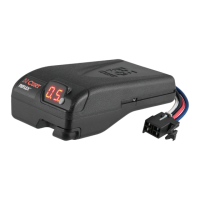
the brake control's manual control to the left, the display should show O.C.
Connect the brake control's blue wire to the bulb's wire. See Figure 5 on page 12.
4. Activate the brake control's manual control, the display should read up to 9.9.
After releasing the manual control, the display should show two dots. Repeatedly
push the load range button and the display should cycle from L1 to L4.
5. Attach the brake control's red wire to the battery's positive terminal. The display may
uctuate for a few seconds, then show an output setting. Tilt the front of the brake control
up to about 45°, the display should increase up to 9.9. and the bulb should light brightly.
6. Rotate the brake control down from 45° slowly, the displayed number should decrease
with the downward movement. If the unit does not function as described in any of the
test steps, return the unit for service or replacement.
NOTES


 To Previous Page