PAGE 9
Calibration
With the tow vehicle on a level surface and no brakes applied, press and hold the load
range / calibration button located next to the digital display. When a steady 'CL' appears,
calibration is complete. Recalibrate if the module loses power, if the mounting angle
changes, or if the 'CL' ashes at any time. NOTE: To prevent inadvertent calibration, the
calibration mode is locked out when the brakes are engaged.
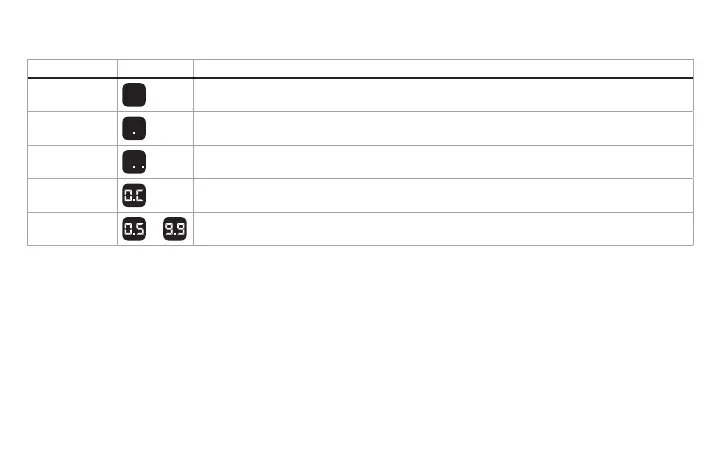
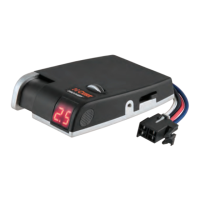
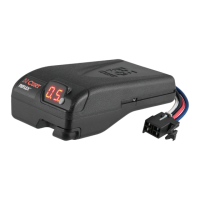
Once properly connected, the display will show one of the following:
Condition Display Meaning
Blank screen Sleep mode, touch brake pedal to activate
One dot
No trailer connected
Two dots
Trailer connected
O.C
Manual control activated, no trailer connected
0.5 to 0.9
to
Trailer is connected, brakes are activated. The display reading is based
on the position of the output control or the position of the manual control.


 To Next Page