1. INSTALLATION AND USE
111-
DPT100-B/I/BT
Alcohol, solvent
Denatured EtilicAlcohol
1.6.3 Cleaning the printing head
WARNING
• Do not touch the head printing line with bare hands or metal objects.
• Do not perform any operation inside the printer immediately after printing because the head and
motor tend to become very hot.
The user is responsible to clean the print head and proceed as follows:
• Turn the printer off briefly pressing the multifunction key, located on the front, two times.
• Lift the paper compartment cover.
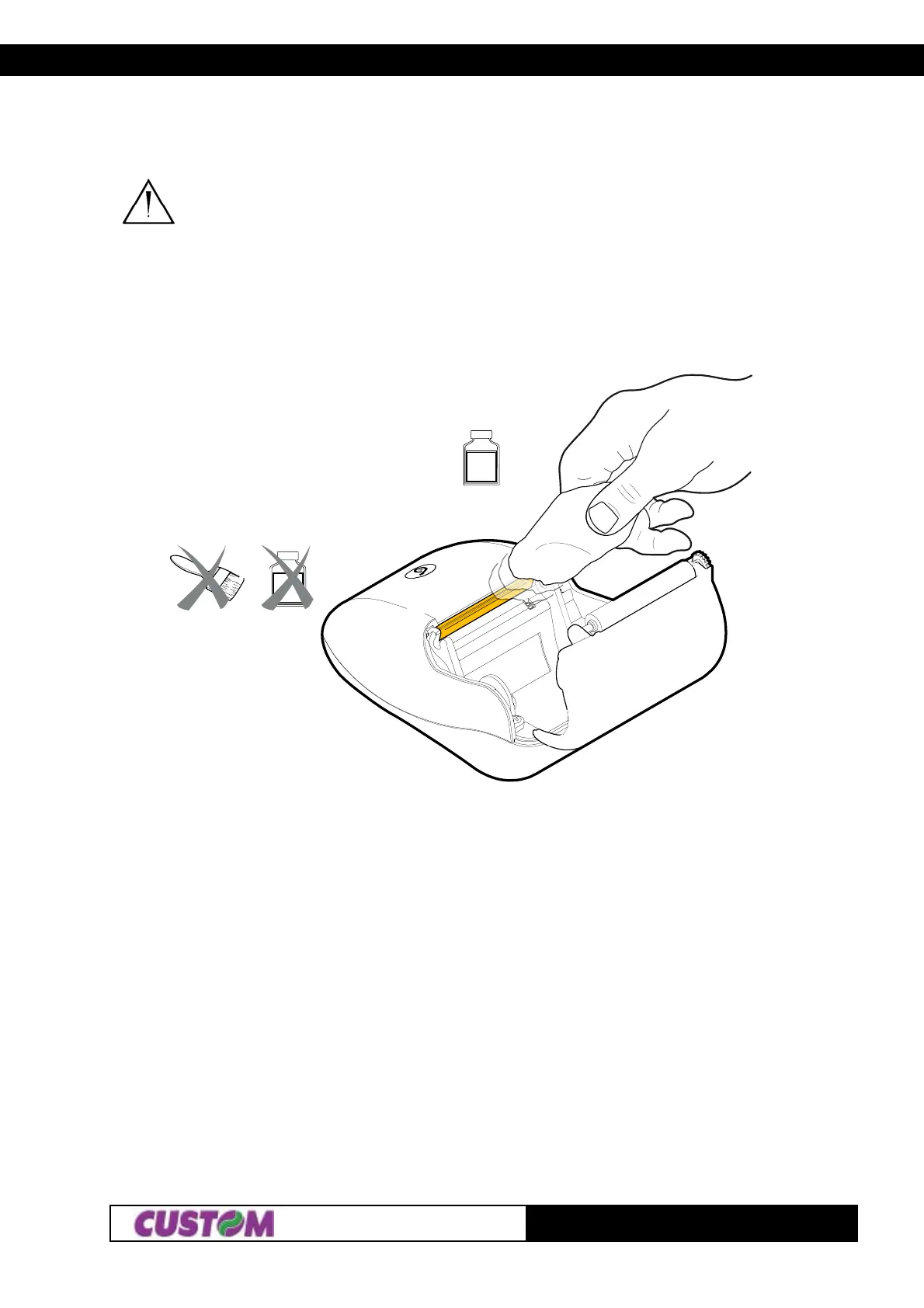
• Clean the printing head heating line using a non-abrasive cloth moistened with denatured etilic alcohol
(see fig. 1.17).
(Fig.1.17)



 To Next Page