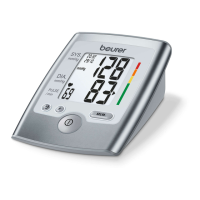
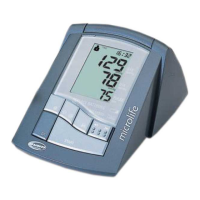
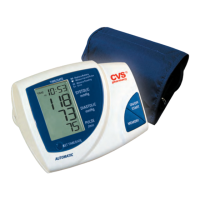
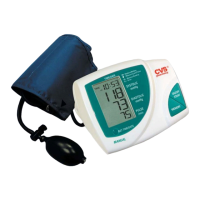
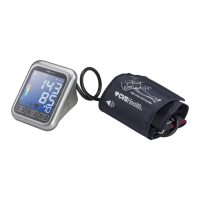
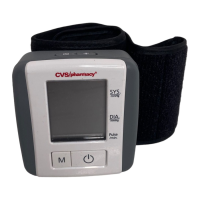
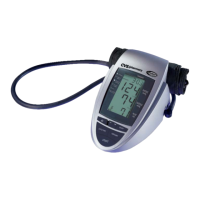
Automatic Blood Pressure Monitor - Instruction Manual
Table of contents
1. Introduction
1.1. Features of your blood pressure monitor
1.2. Important information about self measurement
2. Important information on blood pressure and its measurement
2.1. How does high/low blood pressure arise?
2.2. Which values are normal?
2.3. What can be done if regular high/low values are obtained?
3. Components of your blood pressure monitor
4. Using your monitor for the first time
4.1. Activating the pre-installed batteries
4.2. Setting the date and time
4.3. Cuff tube connection
4.4. Select the user
5. Measurement Procedure
5.1. Before measurement
5.2. Common sources of error
5.3. Fitting the cuff
5.4. Measuring procedure
5.5. Irregular Heartbeat Detector
5.6. Memory - Displaying the last 99 measurements
5.7. Discontinuing a measurement
5.8. Battery Charge Indicator
5.9. Using an AC Adapter
6. Error Messages/Troubleshooting
7. Care and maintenance
7.1. Accuracy Test
8. Warranty
9. Certifications
10. Technical specifications
11. How to contact us



 To Next Page