6. Software functions
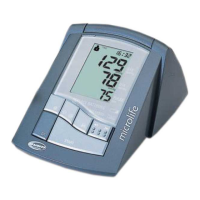
This unit can be used in connection with your compu-
er (PC / MAC) running the PC Link blood pressure
analyzer software. Your computer will allow a
capacity of monitoring 80 patients, each with 1000
data (note: overuse will lower system efficiency). The
memory
data can be transferred to the computer by connect-
ing the monitor via the included USB cable. User can
get the BPA (Blood Pressure Analyzer) software
either the provided
CD or download the BPA on Microlife web site:
http://www.microlife.com/support/software/
6.1. Installation and data transmission
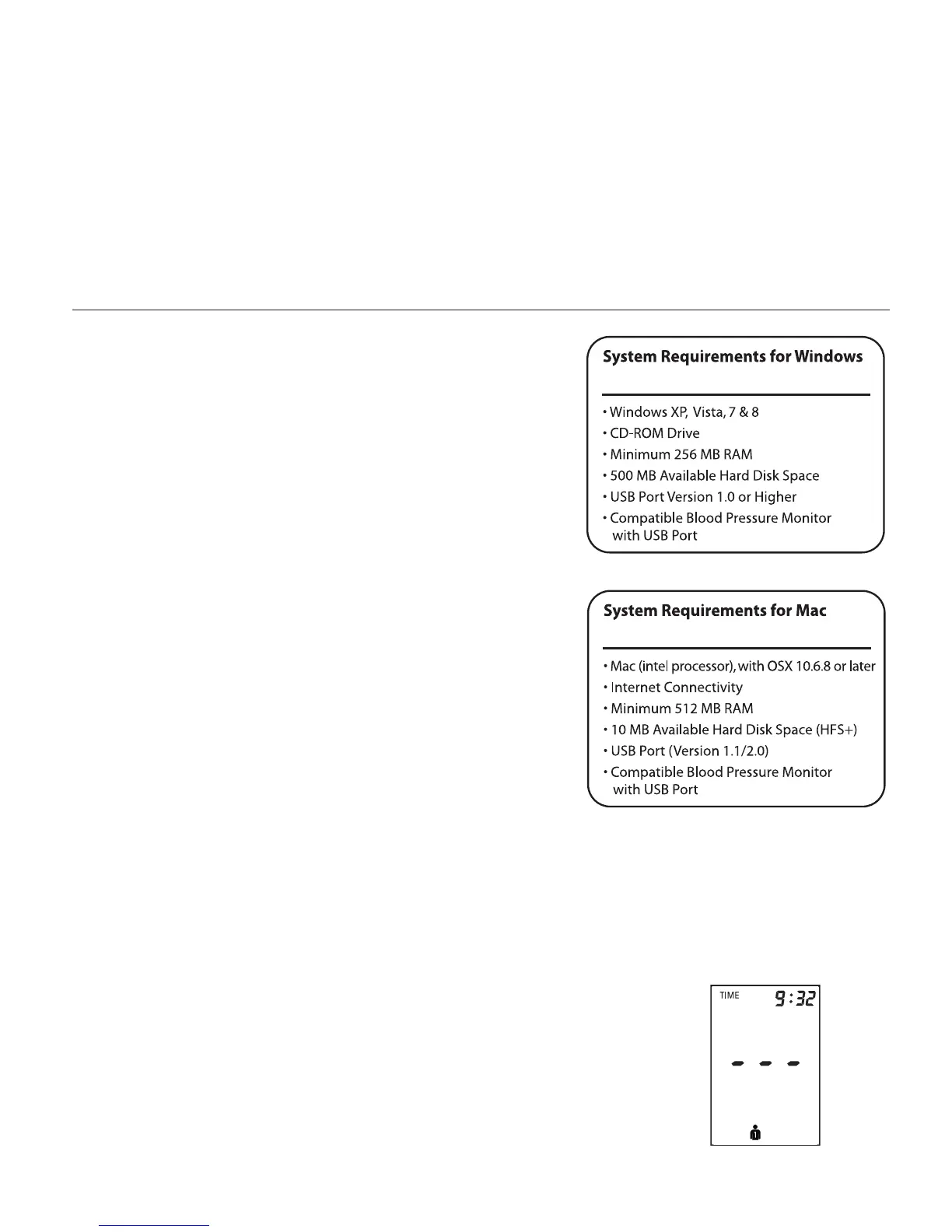
a) install the BPA software on your PC or MAC
computer, users can choose BPA
revision 3.2.5 or higher revision.
b) Connect the monitor via USB cable with the PC.
Three horizontal bars will appear on the display and
last for 3 seconds.



 To Next Page