CyberSuite™ LED Keypad
User Manual
21
SPECIAL FEATURES
The CyberSuite™ System offers many unique features.
ALARM MEMORY
All zones that generate an alarm will be stored in the
memory of the CyberSuite™ Keypad. If an alarm has
occurred on your system, the alarm memory status LED will
be lit until the the next time you arm your system.
Viewing Alarm Memory
1. Press and hold the memory key for 2 seconds or
press memory and enter your [USER CODE].
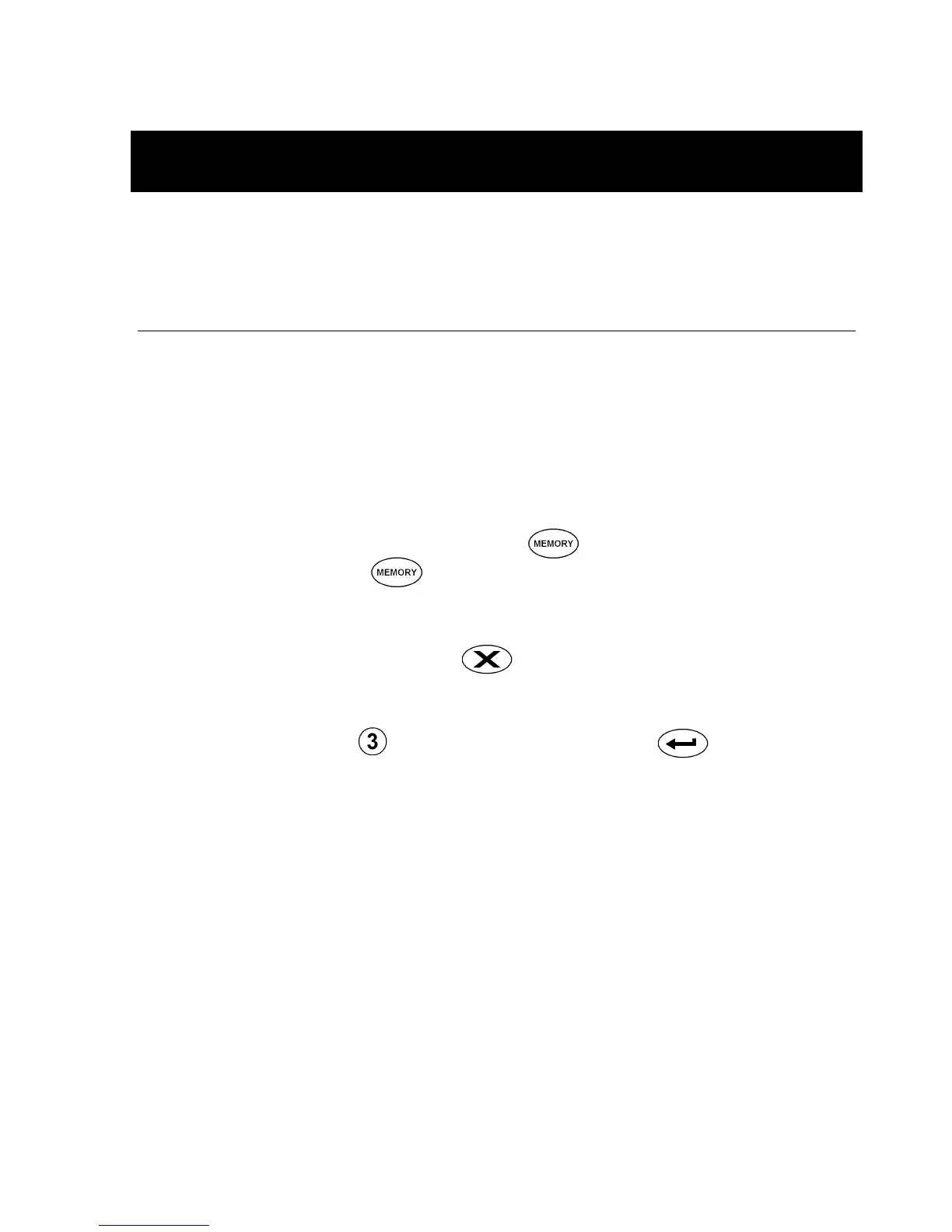
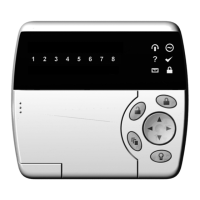
2. The LED’s corresponding to the zone(s) which
generated the alarm will be lit.
3. To exit press the clear key.
The alarm memory can also be accessed from the main
menu by pressing followed by the enter key.
Clearing Alarm Memory
The alarm memory is cleared automatically next time you
arm your CyberSuite™ system.


 To Next Page