CyberSuite™ LED Keypad User Manual
6
SETUP LOGIN
Logging Into the Setup Menu
Enter the following keypress sequence to access the setup
menu:
MENU ( ) , [USER CODE]
Example: For the default master user to log in to the setup
menu, the sequence is:
, , , ,
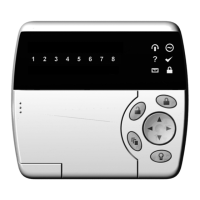
The ARMED status LED will begin to flash once you have
successfully logged in, informing you that you are in
programming mode.
Logging Out of the Setup Menu
To leave programming mode, press the CLEAR key
until the ARMED status LED stops flashing, or do not press
any key for 10 seconds and you will be automatically logged
out.


 To Next Page