EasyManua.ls Logo

CyberPower Ecologic - TECHNICAL SPECIFICATIONS

CyberPower Ecologic
11 pages
Print Icon
To Next Page IconTo Next Page
To Previous Page IconTo Previous Page
Loading...
PowerPanel®
Personal is inactive (all
icons are gray).
The USB cable is not
connected.
Connect the USB
cable to the UPS unit
and an open USB port
on the back of the
computer.
The USB cable is
connected to a bad
USB port.
Check for a different
USB port and plug the
cable in.
The unit is not
providing battery
power.
Shutdown your
computer and turn the
UPS off. Wait 10
seconds and turn the
UPS back on. This
should reset the unit.
Additional troubleshooting and contact information can be found online at CyberPowerSystems.com/support
TECHNICAL SPECIFICATIONS
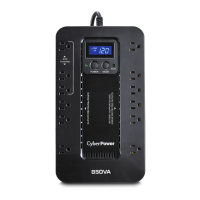
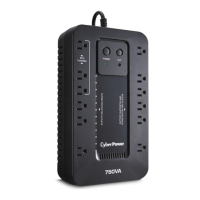
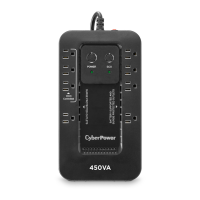
Model EC450G EC550G EC750G EC650LCD EC850LCD
Capacity
450VA /
260W
550VA /
330W
750VA /
450W
650VA /
390W
850VA /
510W
Nominal
Input
Voltage
120 VAC
Input
Frequency
47 Hz to 63 Hz
On-Battery
Output
Voltage
120Vac ± 5%
On-Battery
Output
Frequency
50Hz/60Hz ± 1% (auto-sensing)
Max Load
for UPS
Outlets
450VA /
260W
550VA /
330W
750VA /
450W
650VA /
390W
850VA /
510W
Max Load
for Full-time
Surge
Protection
Outlets
10 Amps
On-Battery
Output
Wave Form
Simulated Sine Wave

Related product manuals