Copyright © 2017 Cyber Power Systems, Inc.
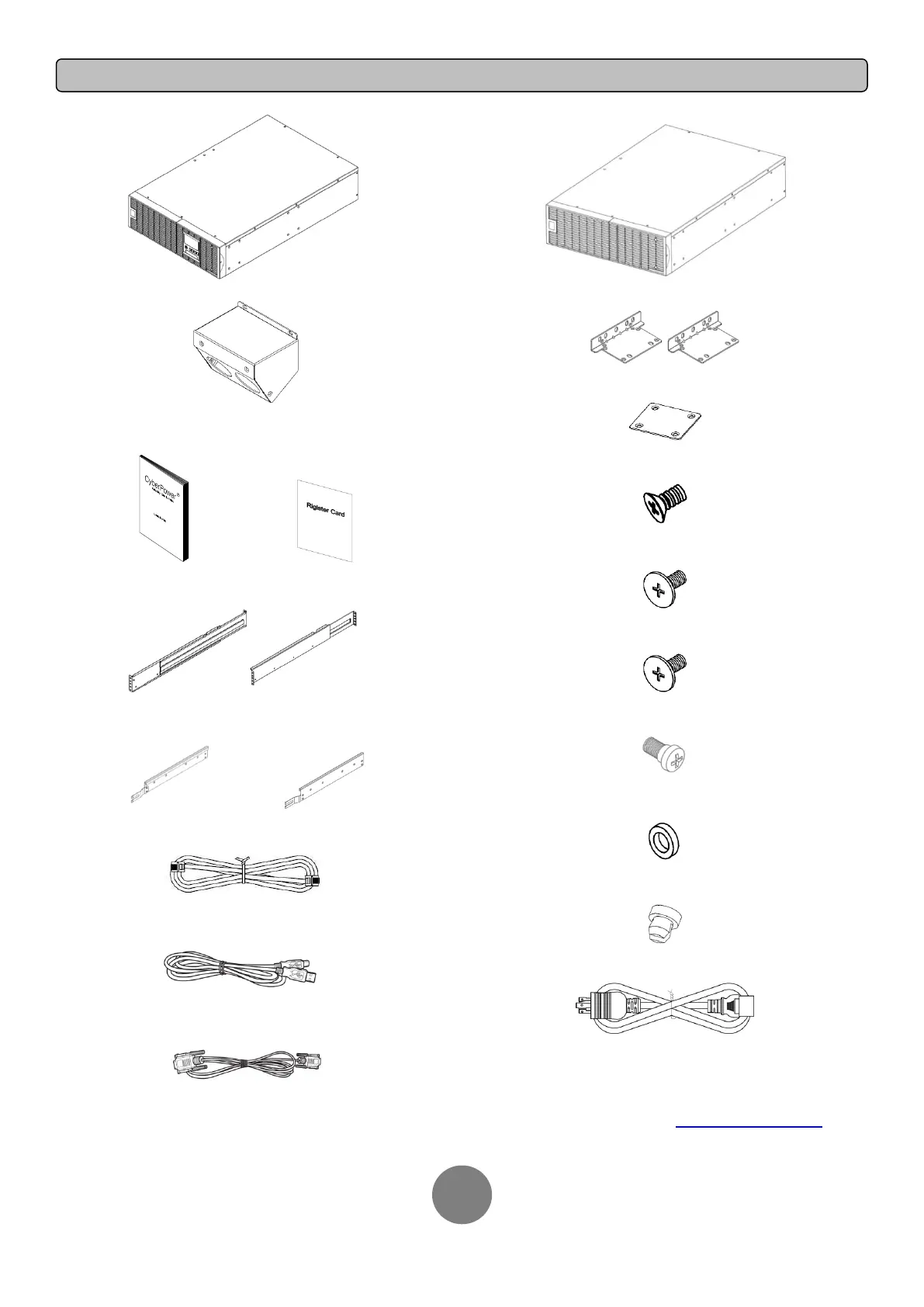
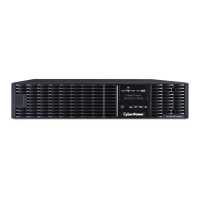
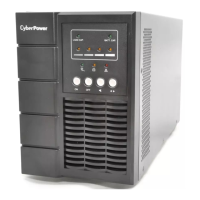
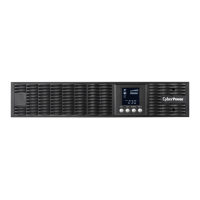
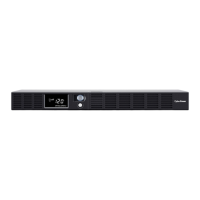
Power module
Input / Output terminal block cover
(Only for OL8000RT3U/OL10000RT3U)
User’s manual Register card
Rackmount left rail * 2 sets Rackmount right rail * 2 sets
Left hanging bracket * 2 sets Right hanging bracket * 2 sets
Phone line
USB communication cable
Serial Interface Cable (RS-232)
Extended Battery Module (EBM)
Rackmount ears (Stands) (2) * 2 sets
Tie plate (1) * 1 set
Flat head screws: M5X7L (8) * 2 sets
Pan head screws: M5X12L (4) * 2 sets
Pan head screws: M5X6L (14) * 2 sets
Guide screws: M5X10L (2)*2 sets
Plastic washers (8) * 2 sets
Screw hole dust covers (14) * 2 sets
Power cord
* PowerPanel® Business Edition software is available
on our website. Please visit www.cyberpower.com and
go to the Software Section for FREE download.





 To Next Page