EasyManua.ls Logo

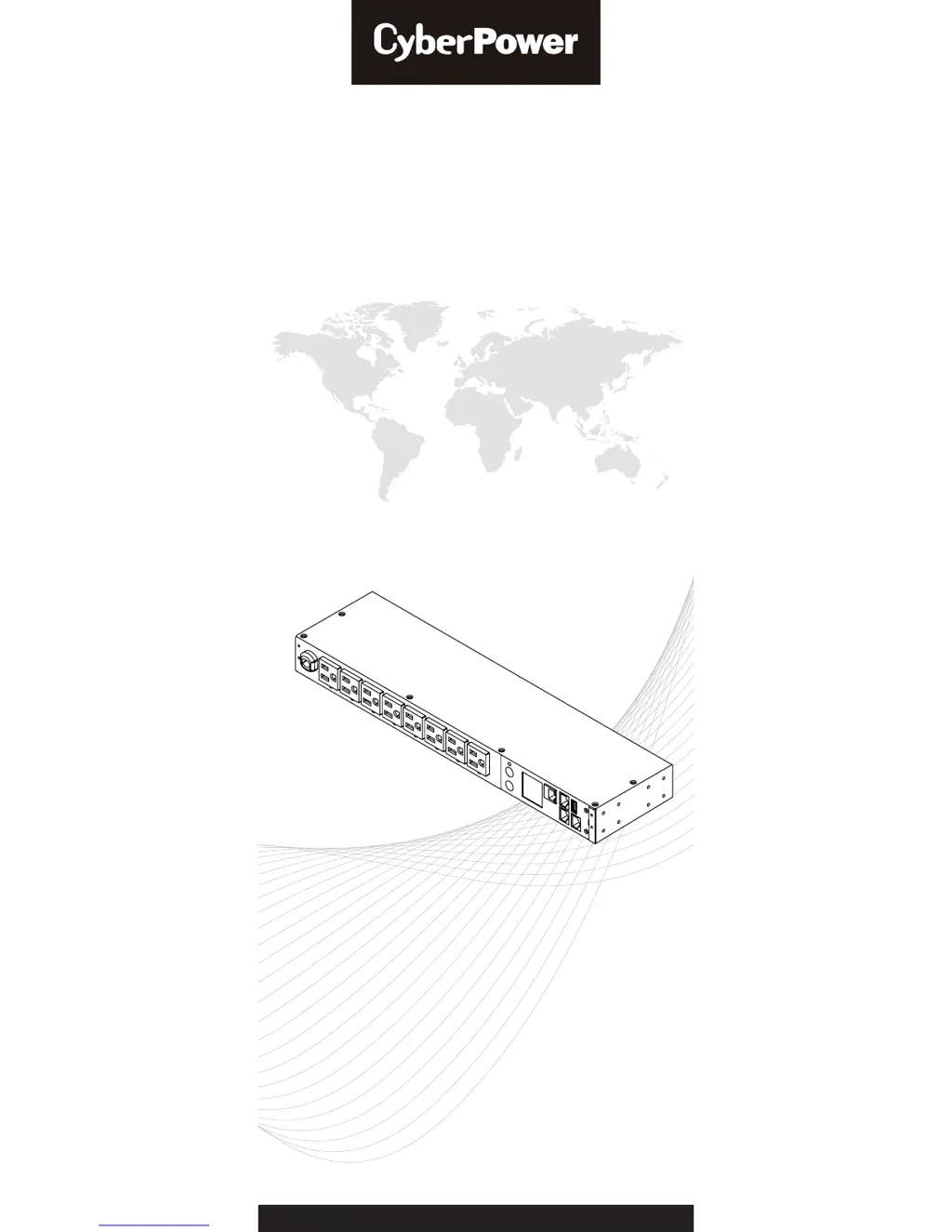
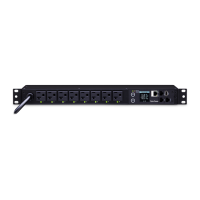
CyberPower PDU81001 - User Manual

CyberPower PDU81001
39 pages
Print Icon
To Next Page IconTo Next Page
Loading...
Power Distribution Unit
USER'S MANUAL
Copyright © 2018 Cyber Power Systems, Inc. All rights reserved. K01-0000545-02

Questions and Answers

  • A
    Alejandro ValdezAug 8, 2025
    How to fix CyberPower Power distribution unit outlets that do not provide power?
    • C
      Connie TaylorAug 8, 2025
      If the outlets on your CyberPower Power Distribution Unit are not providing power to the connected equipment, reset the breaker and check the plug to ensure it's correctly connected. If the problem persists, further assistance may be needed.
  • M
    Matthew WoodsAug 13, 2025
    What to do if the amperage displayed on my CyberPower PDU81001 Power distribution unit exceeds the unit's capability?
    • K
      Kendra CohenAug 13, 2025
      If the amperage displayed on the CyberPower Power distribution unit's LCD exceeds the unit's capability, it indicates an overload. The load indicator will show red. To resolve this, reduce the load on the PDU until the overload condition is gone. If the problem persists, further assistance may be needed.
  • T
    Terry RiosAug 19, 2025
    Why have the circuit breakers tripped on my CyberPower Power distribution unit?
    • P
      parkcassandraSep 12, 2025
      If the circuit breakers on your CyberPower Power distribution unit have tripped, it could be due to a sustained overload, excessive ambient or internal temperatures, or a faulty breaker. Try resetting the breaker. If the issue continues, further assistance may be needed.
  • N
    Noah SmithAug 23, 2025
    How to fix CyberPower PDU81001 outlets not providing power?
    • A
      Amanda SmithAug 25, 2025
      If the outlets on your CyberPower Power distribution unit are not providing power to the connected equipment, it could be due to a tripped breaker or the power cord not being properly plugged in. First, reset the breaker. Then, check the plug to ensure it is correctly connected. If the problem remains, further assistance may be needed.
  • E
    emilygonzalezAug 29, 2025
    What to do if amperage displayed on CyberPower Power distribution unit exceeds the unit's capability?
    • D
      Donna DuranAug 29, 2025
      If the amperage displayed on the LCD screen of your CyberPower Power Distribution Unit exceeds the unit's capability, it indicates an overload. The load indicator will show red. To resolve this, reduce the load on the PDU until the overload condition is resolved. If the problem persists, further assistance may be needed.
  • C
    christopherkingSep 2, 2025
    What to do if circuit breakers have tripped on CyberPower Power distribution unit?
    • K
      Kevin WillisSep 2, 2025
      If the circuit breakers on your CyberPower Power Distribution Unit have tripped, try resetting the breaker. If the problem continues, further assistance may be needed.

Summary

Safety and Initial Setup

Safety Precautions

Essential safety guidelines before installing or operating the PDU.

Product Features and Specifications

1 U 15 A Technical Specifications

Provides detailed technical specifications for 1U 15A Power Distribution Units.

Installation Guide

Electrical Installation Procedures

Ensuring proper electrical connections and safety for PDU installation.

Network Connectivity Setup

Steps for connecting the PDU to a network and establishing an IP address.

Operation and Management

Remote Management Options

Methods for managing the PDU remotely via Web, Telnet, or SSH.

Firmware Upgrade Procedures

Procedures for updating the PDU firmware using various methods.

Support and Appendices

Troubleshooting Common Issues

Solutions for common problems like no power, overload, or tripped breakers.

CyberPower PDU81001 Specifications

General IconGeneral
Output Receptacles8
Outlet TypeNEMA 5-15R
Maximum Current15A
Form FactorRackmount
PDU TypeBasic
Input Frequency50/60Hz
MountingHorizontal
Power Cord Length10 ft

Related product manuals