Getting Started — 7 of 15
GETTING STARTED
1.13
Video modes
Fly12 comes equipped with the following video resolution/
frame rate options:
RESOLUTION FRAMES PER SECOND (FPS)
1920x1080p 45 fps
1920x1080p 30 fps Default
1280x720p 60 fps
1280x720p 30 fps
See “CycliqPlus manual” to adjust Fly12 video modes.
TIP
1.14
Light modes
Fly12 comes equipped with the following light patterns:
LIGHT MODE SETTING
Solid High / Medium / Low
Flash High / Medium / Low
Pulse High / Medium / Low
Off No light / Record only mode
Studio Recommended for lming indoors
Fly12 will resume the light mode that was active when the device last
powered off. See “CycliqPlus manual” to adjust the Fly12 light modes.
TIP
1.15
Idle mode
Idle mode is a battery saving mechanism, whereby your
Fly12 turns off automatically after sensing no movement
for 15 minutes.
1.16
Incident protection
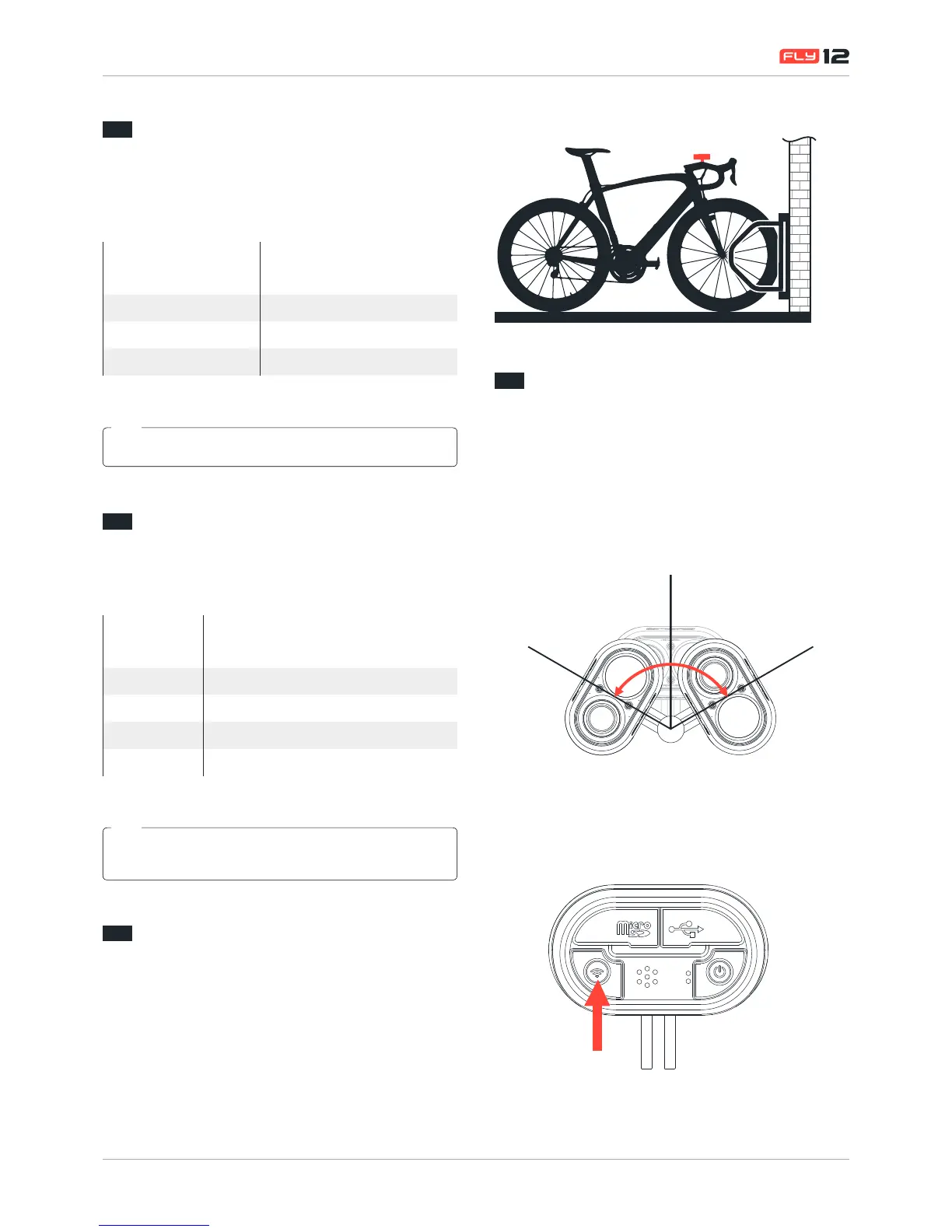
In the event of an incident, Fly12 is equipped with two
safeguards to ensure your important data is not lost.
1. If you are knocked from your bike and Fly12 tilts past
60 degrees for more than 5 seconds, it will record for a
further 30 minutes before saving and powering off. When
incident mode is triggered your will hear three(3) rapid
beeps and the led indicator will ash Red-Orange-Green.
Hd CAmeRA
400 LumenS
Hd CAmeRA
400 LumenS
2. If you witness an event that you want to capture and retain
when riding, simply press the WiFi button briey. This will
lock the current and previous 5 minute video segment
and prevent overwriting.


 To Next Page