25
Cypress Confidential
Install batteries and power on the devices
1. Open the yellow Pelican case and locate the
Transmitter – there will be a sticker on the side that
says “Transmitter”
2. Open the cover by unscrewing the bottom cover
screw with the 1/16” Allen driver included in the kit
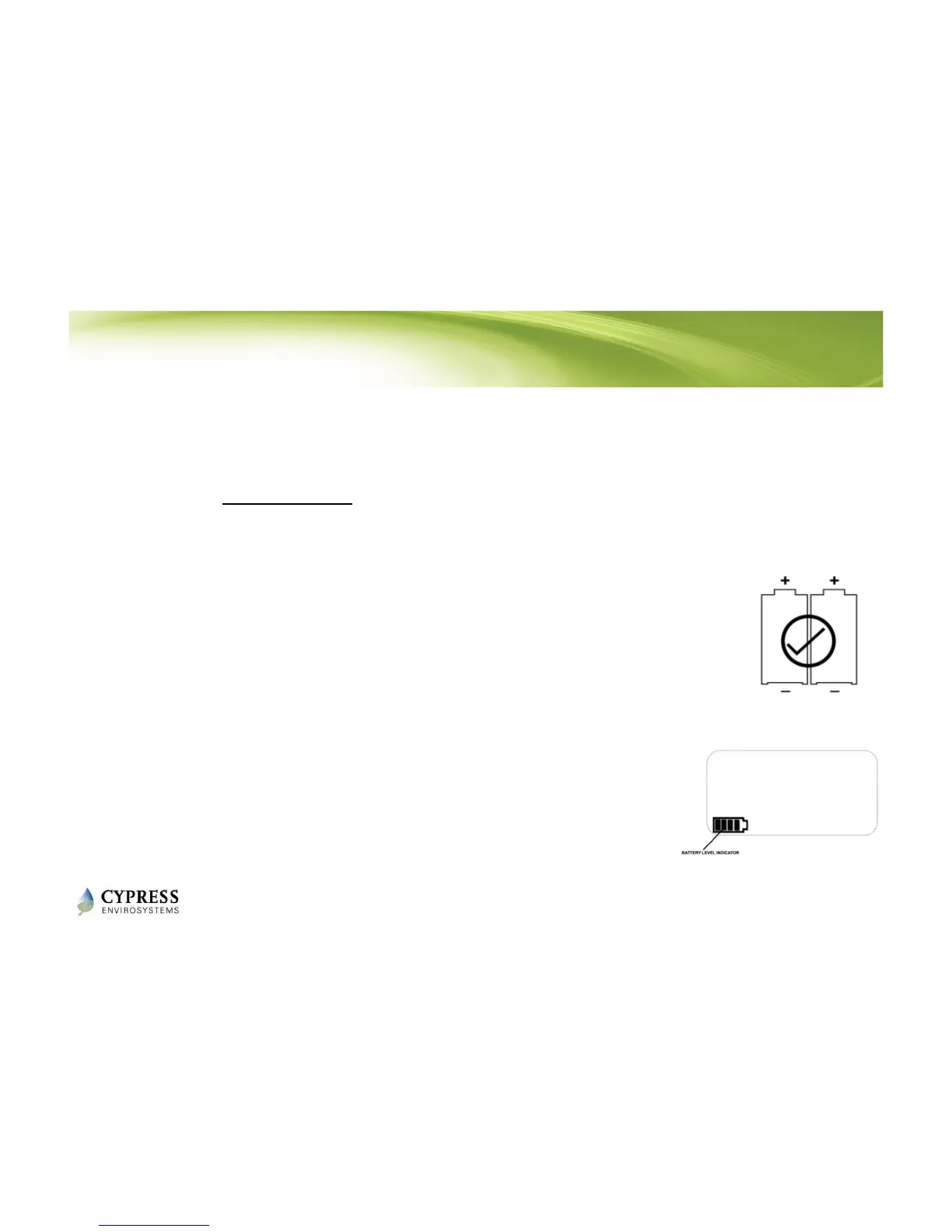
3. Insert the batteries as shown in the figure to the right
(positive end pointing up for both batteries), and
close the top cover.
4. Notice that battery level indicator is now lit up on the
LCD. This indicates that the RKIT is in “low–power idle
mode”
5. Repeat the above steps for the Receiver
Reference: WPT Wireless Range Tester Kit User Manual - Section 3.1



 To Next Page