83
Cypress Confidential
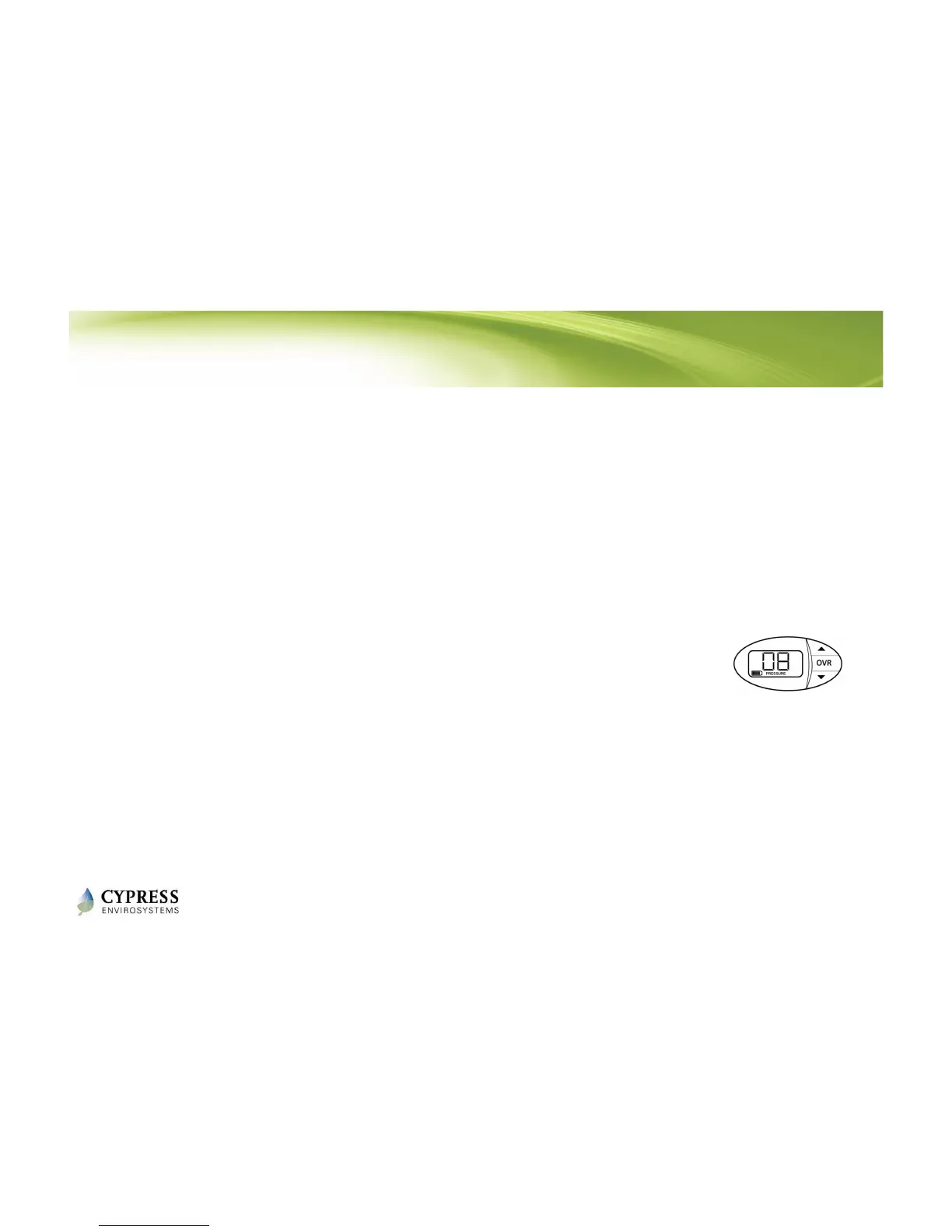
Check branch pressure
1. Press and hold ▼ and OVR buttons
simultaneously for 2 seconds before
releasing – to enter the diagnostic mode
2. Press the OVR 4 times until you see
PRESSURE on the bottom of the LCD
3. Verify that the WPT can build up pressure.
If there is a leak in the branch line and the
WPT cannot build pressure, it cannot be
calibrated.



 To Next Page