82
Cypress Confidential
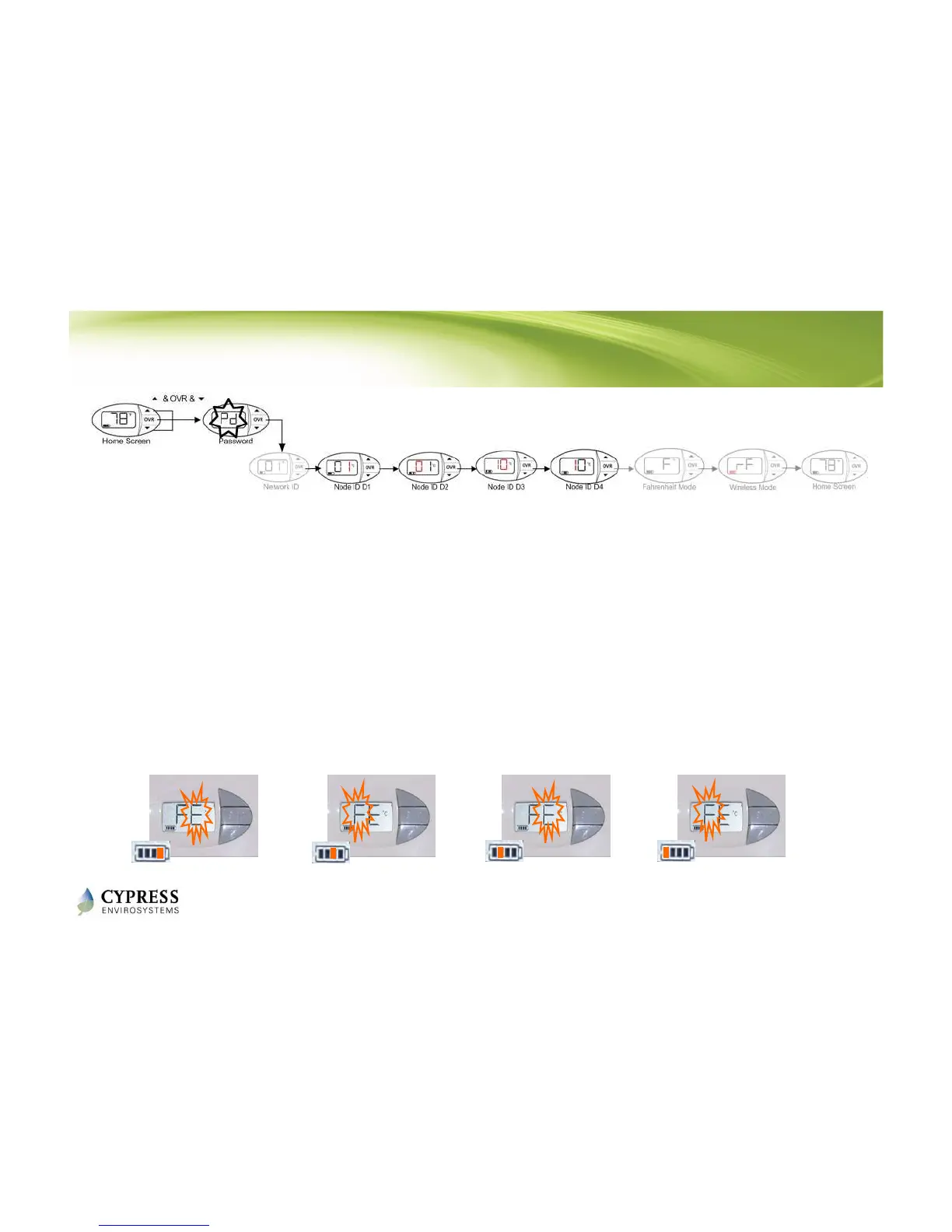
Programming WPT Node ID
1. Using the and buttons, change the WPT Node ID to match what is
written on the outside of the thermostat , starting with the right most digit
(D1)
• D1 can not be 0
2. Press OVR button to confirm and move to the next digit
3. Repeat until all for digits of the Node ID have been entered.
NOTE: The WPT will exit programming mode automatically if there is no action for 1 minute.
D4 D3 D2 D1
OVR
D4 D3 D2 D1
OVR
D4 D3 D2 D1
OVR
D4 D3 D2 D1
OVR



 To Next Page