94
Cypress Confidential
Calibrating the WPT – Step 2
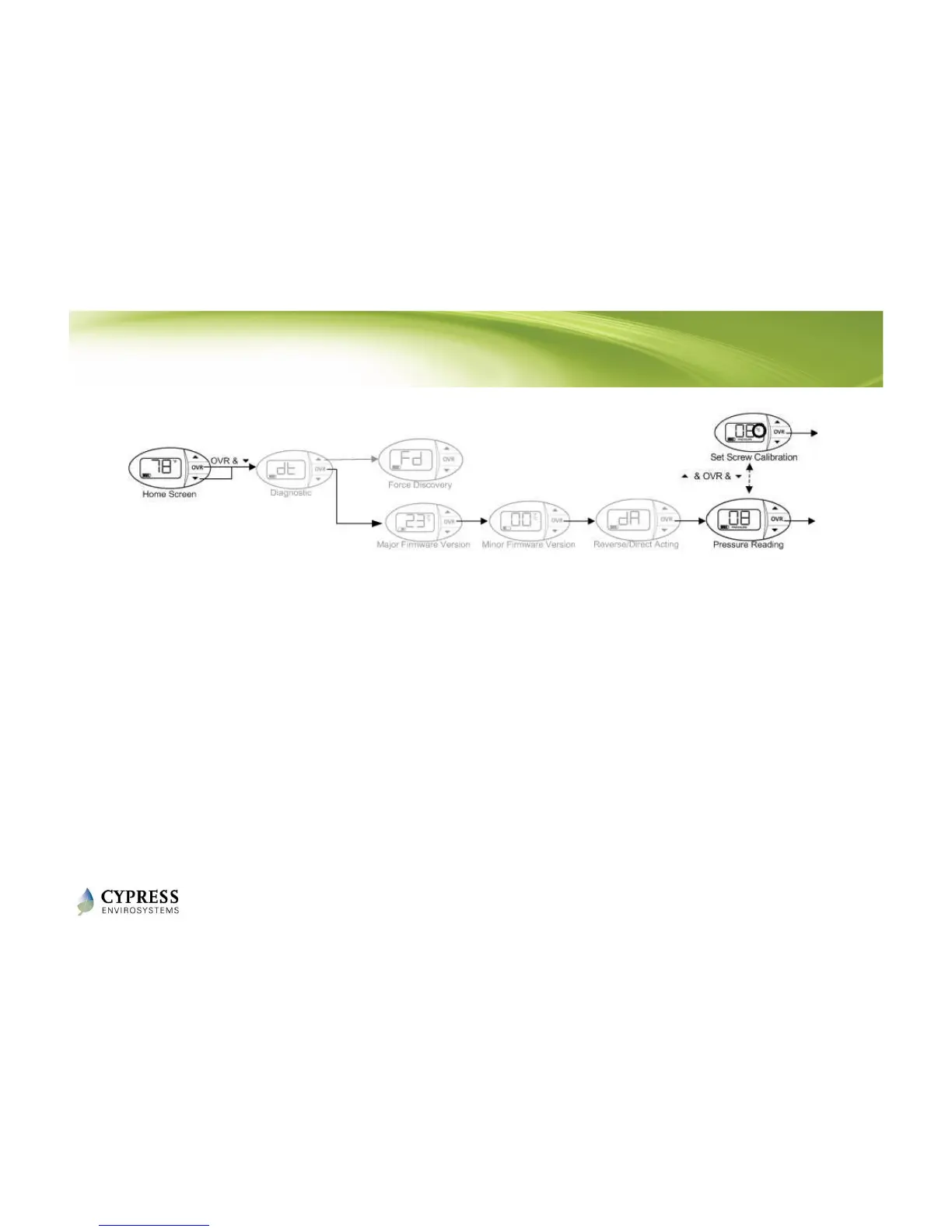
To enter Calibration Mode, perform the following:
1. Press the ▼ button and OVR button together for two seconds, then
release. The display will show ‘dt’.
2. Press OVR four times. The LCD displays the branch pressure in PSI along
with PRESSURE indicator. The display shows “--" if the motor is in
motion when trying to access branch pressure.
3. Press all three buttons simultaneously to enter Calibration Mode. The
“C” icon will flash rapidly while in this mode.
Reference: WPT Installation Manual - Section 2.3



 To Next Page