96
Cypress Confidential
Manually discover the network (Force Discovery)
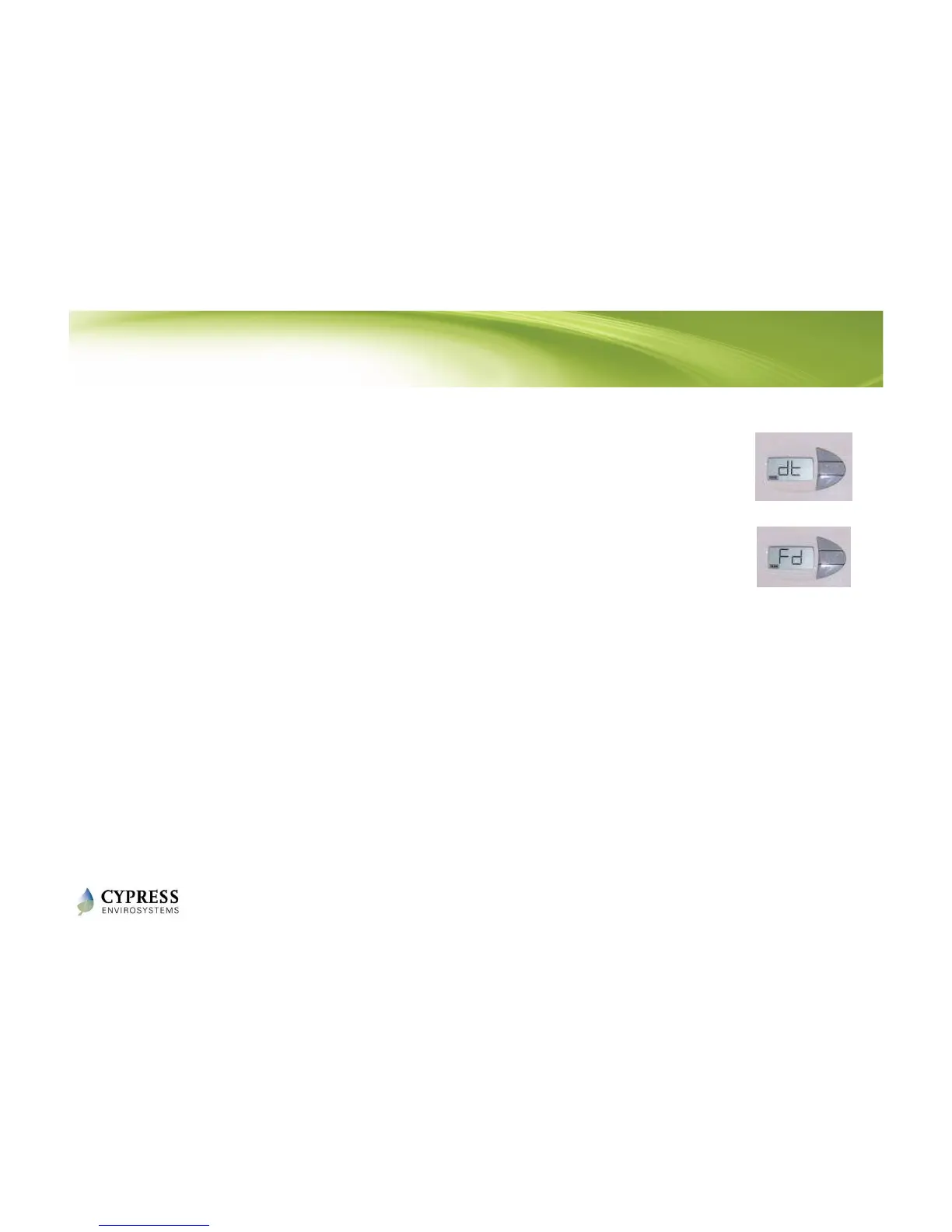
1. On the RWAL, press and release the center and
bottom buttons at the same time. The LCD will show
“dt”.
2. Press the top button once. The LCD will show “Fd”
3. On the WPT web application click on “Zone Monitor”
then on “Network Status”. Take note of the
timestamp for your RWAL. It should have updated.
4. On the WPT, press and release the center and bottom
buttons at the same time. The LCD will show “dt”
5. Press the top button once. The LCD will show “Fd”
6. On the WPT web application click on the “Dashboard”
button. Take note of the timestamp for your WPT. It
should have updated.
NOTE: Force discovery helps in establishing the Wireless connectivity during
installation/troubleshooting.



 To Next Page