99
Cypress Confidential
Lock/Unlock WPT LCD Keypad
Additional WPT feature
Try Locking the LCD Keypad
1. Press and hold the ▲ and ▼ buttons together for 2 seconds
and release.
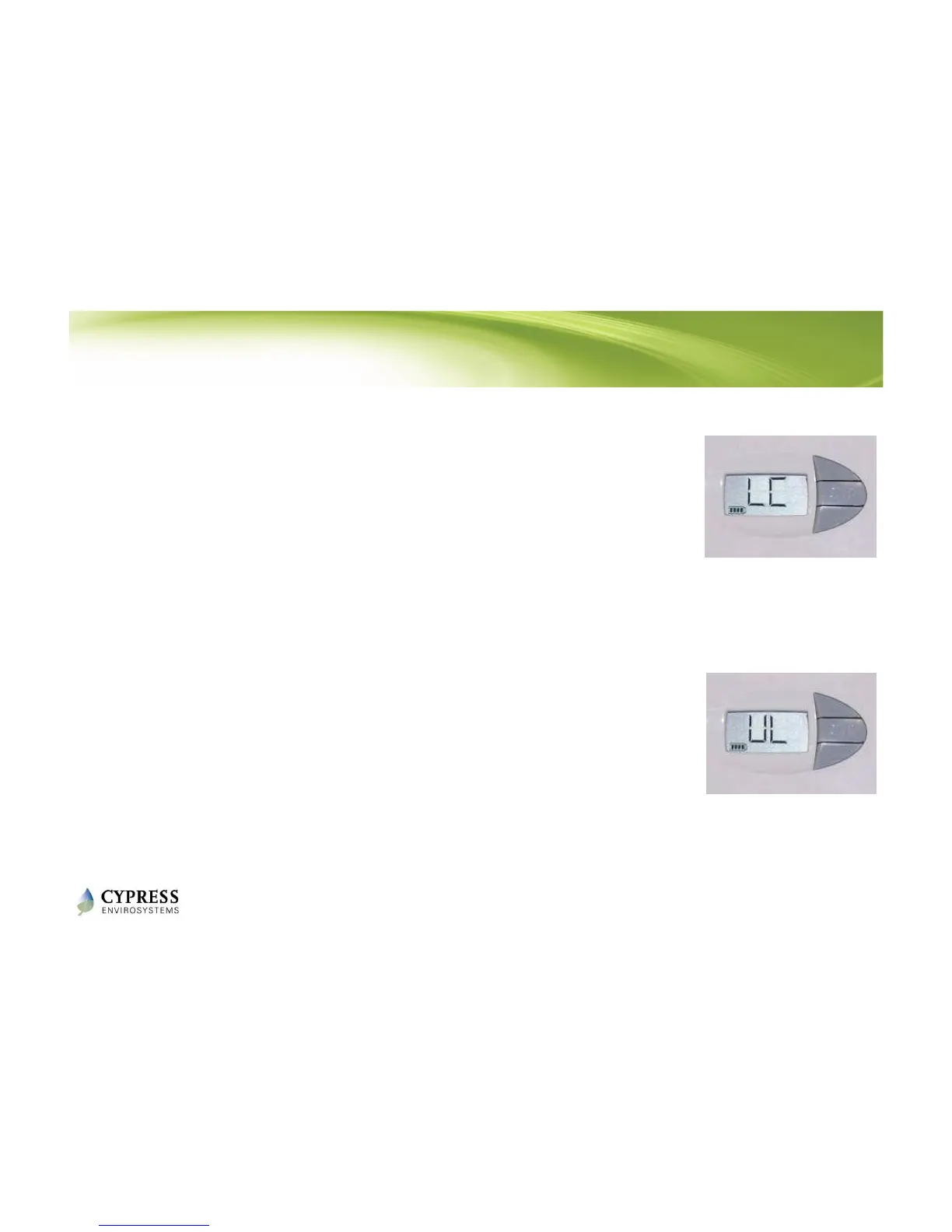
2. The keypad is locked and the LCD displays “LC” for 2 seconds.
3. When the keypad is locked, the user will not be able to use
the buttons on the thermostat to change the setpoint or
enter Occupancy Override.
4. When the keypad is locked, if the user tries pressing any
buttons, “LC” appears to indicate that buttons are locked.
Now Unlock the LCD Keypad
1. Press and hold the ▲ and ▼ buttons together for 2 seconds
and release.
2. The keypad is unlocked and the LCD displays “UL” for 2
seconds.
NOTE: The LCD buttons can also be locked/unlocked from the WPT
Green Box.
Reference: WPT Installation Manual - Section 3.5



 To Next Page