EasyManua.ls Logo

Cyrus ONE HD - User Manual

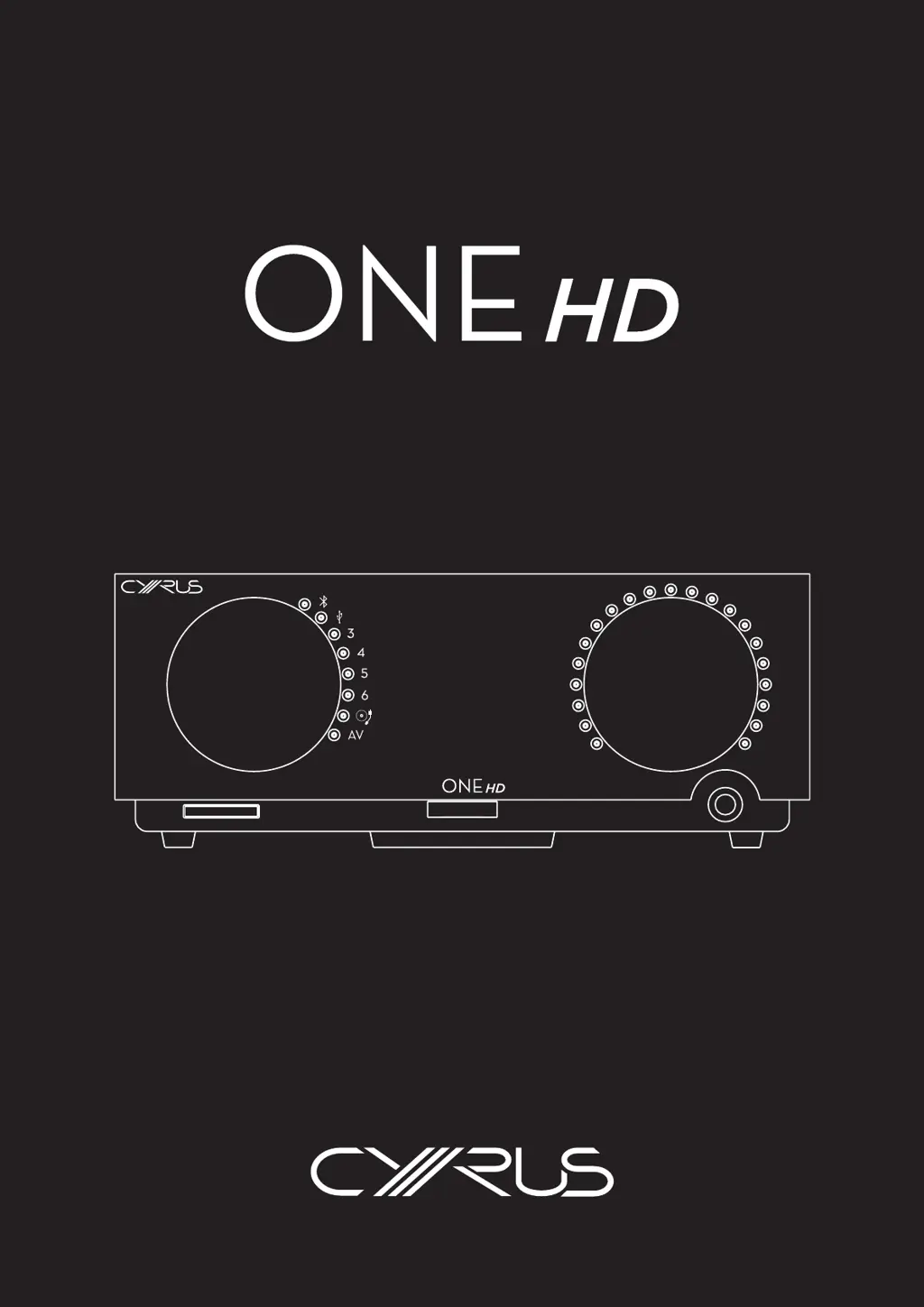
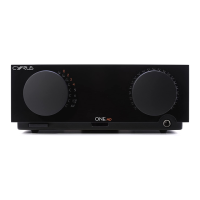
Cyrus ONE HD
17 pages
Print Icon
To Next Page IconTo Next Page
Loading...

Questions and Answers

  • N
    Nicole ThompsonSep 12, 2025
    How do I fix no sound from a USB audio source on my Cyrus Amplifier?
    • B
      Bryan GarrettSep 12, 2025
      If you have no sound from a USB audio source connected to your Cyrus Amplifier, check the computer audio settings. The audio must be set to output sound to the Cyrus ONE HD device.
  • J
    Julie StanleySep 13, 2025
    What should I do if there's no sound during DSD audio playback on my Cyrus ONE HD Amplifier?
    • V
      Valerie MartinSep 13, 2025
      If you have no sound during DSD audio playback on your Cyrus Amplifier, ensure that a DSD player app is installed and correctly configured on your computer. Also, verify that the DSD file type is compatible with the Cyrus ONE HD.
  • E
    Emily ChanSep 15, 2025
    What does system error mean on my Cyrus ONE HD?
    • J
      Jerry GambleSep 15, 2025
      If your Cyrus Amplifier shows a system error, there is an internal circuit error. Return the amplifier for service to your Cyrus appointed retailer or an authorized Service Centre.

Summary

Safety and Precautions

Product Setup and Connections

Power Supply and Servicing

Details power requirements, servicing procedures, and contact for service.

Legal Notices

Information on trademarks, regulatory compliance, and disclaimers.

Installation Guide

Guidance for amplifier installation and rear panel overview.

Connection Instructions

Important notes on connecting sources, including turntable, analogue, and digital audio.

Operation and Audio Playback

Front Panel Controls

Identifies and explains the front panel buttons and indicators.

Powering On;Off

Instructions for switching the amplifier on and off using the power button.

Bluetooth Audio Streaming

Steps for pairing devices and playing music wirelessly via Bluetooth.

Source Playback Methods

How to play audio from turntable, analogue, digital, and USB sources.

Volume Control and Headphones

Adjusting volume and using the headphone output for private listening.

Remote Control and Advanced Modes

ONE Remote App Usage

Guide on installing and using the mobile app for amplifier control.

App Settings and Adjustments

Details on app features like volume limiter, channel balance, and AV Direct mode.

Advanced Operation Features

Explanation of AV Direct mode, home cinema connection, and factory reset.

Troubleshooting and Specifications

Troubleshooting Guide

Common problems, diagnostic indicators, and solutions for amplifier issues.

Technical Specifications

Detailed technical data, including power, audio performance, and connectivity.

Warranty and Disposal

Information on product warranty terms and WEEE disposal instructions.

Cyrus ONE HD Specifications

General IconGeneral
TypeIntegrated Amplifier
Inputs1 x Optical, 1 x Coaxial, Bluetooth
OutputsSpeaker terminals, Pre-out
BluetoothYes
Dimensions85 x 220 x 390 mm (H x W x D)
Power Output2 x 100W (6 Ω)

Related product manuals