Cyrus Pre ADDITIONAL INFORMATION
17
English
Programmable input sensitivity
•
In all audio systems, the audible volume from the
speakers will change slightly in level when switching
from one music source to another. This is due to the
differing output sensitivities of each source
component. To compensate for this, the unique
calibration memory of the Cyrus Pre can be
programmed to memorise a volume offset for all
inputs with reference to the CD input. To program an
offset follow the 5 steps below-
1. Select CD input and set the volume control to a
comfortable listening level.
2. Select the input to be programmed (tuner, video
etc.) holding the input key depressed until the
volume display switches to show input offset
(refer to the diagrams).
3. Adjust the level control to give the same audible
volume as the CD player. The display will read
the offset applied.
4. Store the offset by selecting the input again.
5. Repeat from step 2 for each input as required.
When this procedure is completed, you should find
that the desired volume level is maintained when
switching between different inputs..
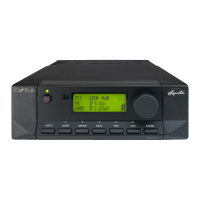
This view shows the offset volume display
indication when the selected input has the
same sensitivity as the CD input. (This is
the factory setting for the Cyrus Pre).
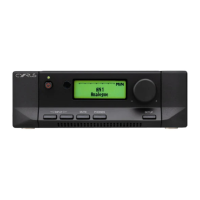
This display shows that the selected input
(e.g. tuner) has been programmed to be 2dB
more sensitive than the CD input. This will
increase the sensitivity of the tuner input to
give equal volume levels from CD and
tuner.
This display shows that the selected input
(e.g. video) has been programmed to be 4dB
more sensitive than the CD input. When
video is selected, the sensitivity of the input
will be further increased to give equal
volume levels when switching between the CD player and
the video recorder.
To restore the factory settings, follow steps 2 to 4 for each
input, setting the front panel offset display to 'zero offset'
level- see the top diagram.



 To Next Page