EasyManua.ls Logo

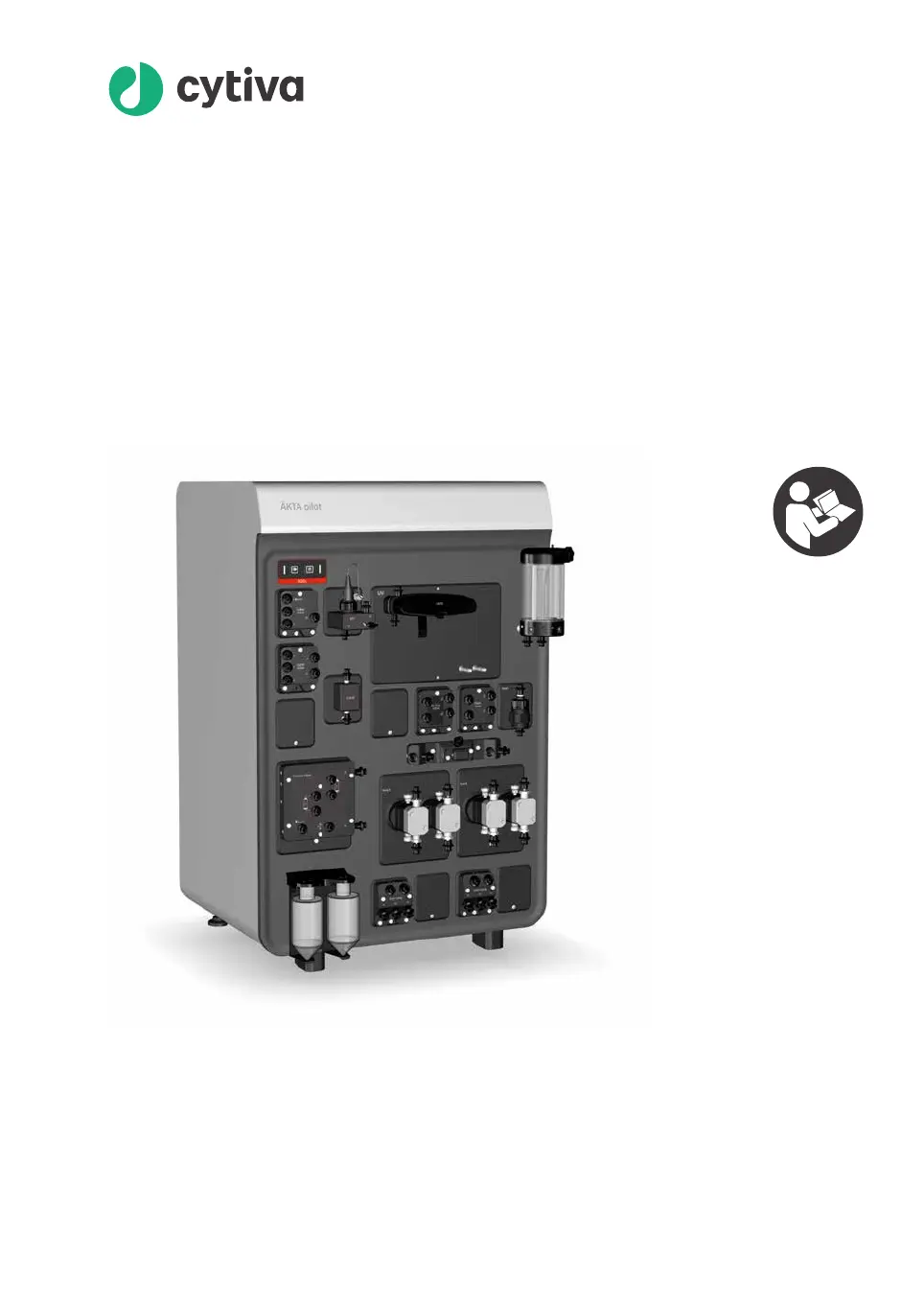
cytiva AKTA pilot 600 - User Manual

cytiva AKTA pilot 600
206 pages
Print Icon
To Next Page IconTo Next Page
Loading...
ÄKTA
pilot 600
Operating Instructions
Original instructions
cytiva.com

Table of Contents

Questions and Answers

  • M
    Malik MurphyAug 14, 2025
    What to do if there is unexpectedly high pressure or low outlet flow in cytiva AKTA pilot 600?
    • T
      thomasmclaughlinAug 14, 2025
      If you observe an unexpectedly high pressure or low outlet flow in your Cytiva Laboratory Equipment, it might be caused by obstructed tubing. Check the tubing to ensure it is not twisted or kinked. If necessary, replace the tubing.
  • L
    Lisa HicksAug 17, 2025
    How to remove air from the flow path in cytiva AKTA pilot 600?
    • J
      Jessica LopezAug 17, 2025
      If you are experiencing air in the flow path of your Cytiva Laboratory Equipment, it is likely due to the system not being correctly primed. Prime the flow path as described in Section 5.4 on page 130.
  • J
    John SuttonAug 21, 2025
    How to troubleshoot if the Cytiva ÄKTA pilot 600 Laboratory Equipment instrument does not start?
    • B
      Brandi SmithAug 21, 2025
      If the ÄKTA pilot 600 Laboratory Equipment instrument doesn't start, first ensure that the power outlet and power cord are working correctly. If the issue continues, examine the main fuses as described in Section 7.3.5 on page 177. If replacing the fuses doesn't solve the problem, contact your Cytiva service representative.
  • D
    Daniel HorneAug 25, 2025
    What to do if unable to connect to Cytiva Laboratory Equipment instrument in UNICORN software?
    • K
      Kelly PerezAug 25, 2025
      If you're unable to connect to the instrument in the UNICORN software or the instrument isn't responding to software instructions, verify that UNICORN is properly installed and that the correct system is defined and connected, referring to the UNICORN documentation as needed. Also, check the communication cable for any faults. Finally, for UniNet-9 communication failures, make sure all externally connected modules are correctly installed and that all unused UniNet-9 connectors on the back panel have a jumper.
  • H
    Hannah BrooksAug 27, 2025
    What to do if I get an error message in cytiva AKTA pilot 600 UNICORN software?
    • D
      douglasjordanAug 27, 2025
      If you encounter an error message in the UNICORN software, follow any instructions provided in the message dialog. For more detailed information, consult the UNICORN documentation. If the problem persists after following these steps, contact your Cytiva service representative.
  • M
    Mary RiveraAug 31, 2025
    Why is there leakage from a tubing connection in cytiva AKTA pilot 600?
    • S
      Sean WillisAug 31, 2025
      If you observe leakage from a tubing connection, it may be due to the tubing and SNAP connector not being correctly fitted. In this case, replace the tubing, referring to Section 3.3 Tubing and connectors, on page 33.
  • S
    Shane BentonSep 3, 2025
    Why is the liquid level increasing in Cytiva Laboratory Equipment pump rinsing bottles?
    • S
      Samuel HollandSep 3, 2025
      If you notice the level of liquid increasing in the pump rinsing bottles, it indicates that pump maintenance is required. Contact your Cytiva service representative for assistance.
  • G
    Gloria McdanielSep 6, 2025
    What causes leakage from a valve front in cytiva AKTA pilot 600 Laboratory Equipment?
    • K
      Kristen VillarrealSep 7, 2025
      If you observe leakage from a valve front, it suggests that the valve membranes need replacing. Refer to Section 7.3.4 on page 171 for instructions on how to replace the valve membranes.
  • S
    Steven Smith DDSSep 10, 2025
    What to do for a Pressure alarm issued in Cytiva Laboratory Equipment?
    • P
      pshepherdSep 10, 2025
      To address a pressure alarm, change the appropriate valve position using a manual command in the software. Alternatively, open the air vent on the Air Trap to release the pressure. As another option, press End to stop the run.

Summary

2 Safety Instructions

2.1 Safety Precautions

Details general safety measures, personal protection, and handling hazardous materials.

2.3 Emergency Procedures

Guides on emergency shutdown, restart, and actions during power failure.

3 System Description

3.8 UNICORN System Control Software

Introduces the UNICORN software used for controlling chromatography runs and its modules.

4 Installation

4.2 Installing the ÄKTA pilot 600 System

Provides the procedure for installing the ÄKTA pilot 600 system.

4.5 Connecting the ÄKTA pilot 600 Instrument to UNICORN Software

Guides on starting the instrument and connecting it to the UNICORN software.

5 Prepare the System for a Run

5.2 Prepare the Flow Path

Details on preparing the flow path, including connecting inlets/outlets and replacing filters.

5.4 Prime the Flow Path

Provides instructions for priming the flow path, including inlet tubing and system flow.

6 Perform a Run

7 Maintenance

8 Troubleshooting

cytiva AKTA pilot 600 Specifications

General IconGeneral
Brandcytiva
ModelAKTA pilot 600
CategoryLaboratory Equipment
LanguageEnglish

Related product manuals