8D-Link DAP-1365 User Manual
Section 1 - Product Overview
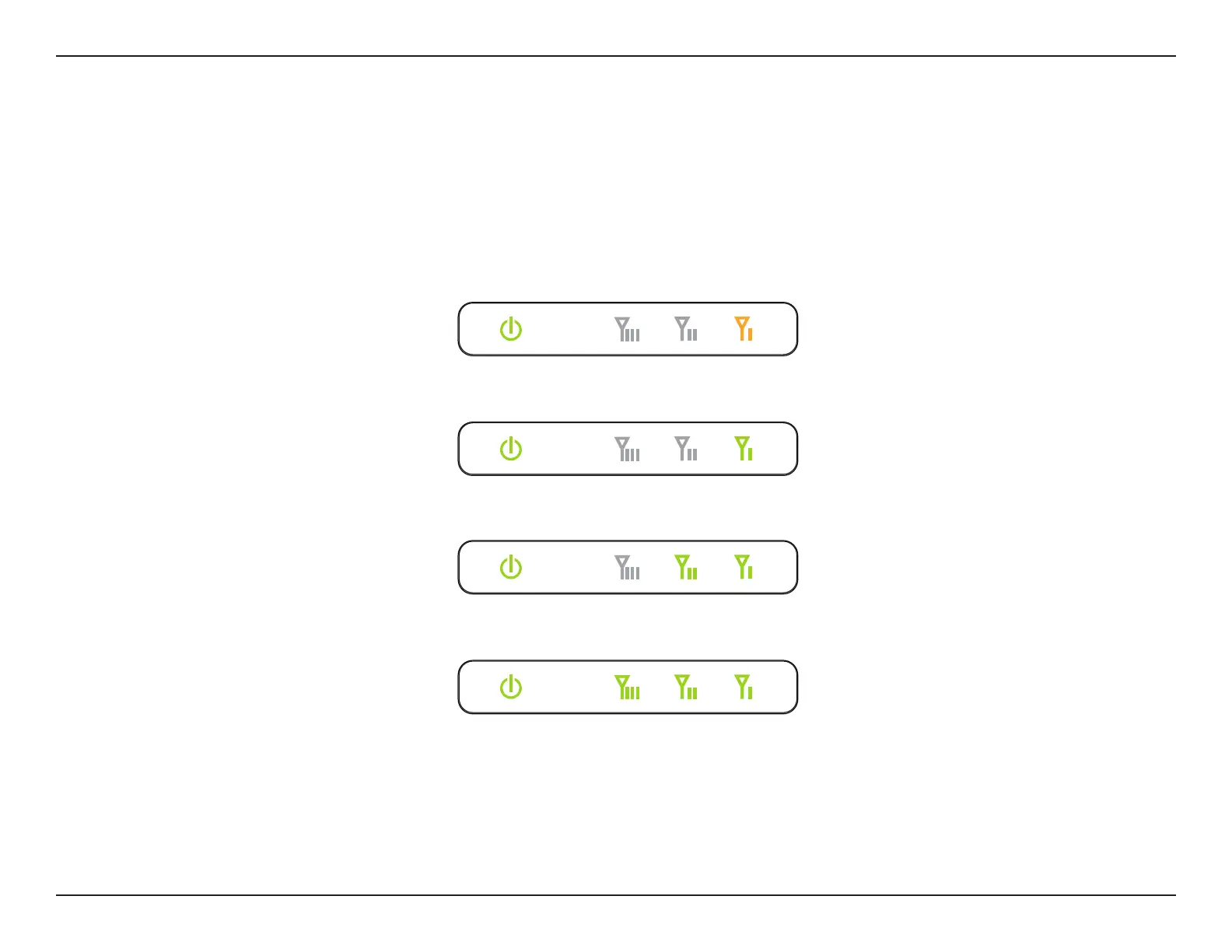
The Status/WPS LED will turn solid green when the DAP-1365 has connected successfully to an uplink wireless network and is
extending that network. If the Signal Indicator LED has a single amber bar after the connection process has nished, the DAP-1365
has established a poor quality connection. The more lit bars on the Signal Indicator LED, the better the wireless signal. To improve
the connection quality, the DAP-1365 should be relocated closer to the source wireless router.
Poor
Ok
Good
Best
Wireless Signal Strength Indicator LED















 To Next Page