46D-Link DAP-1365 User Manual
Section 4 - Connecting a Wireless Client
When connecting to the DAP-1365 wirelessly for the rst time, you will need to input the wireless network name (SSID) and
Wi-Fi password (security key) of the device you are connecting to. If your product has a Wi-Fi conguration card, you can
nd the default network name and Wi-Fi password here. Otherwise refer to the product label for the default Wi-Fi network
SSID and password, or enter the Wi-Fi credentials set during the product conguration.
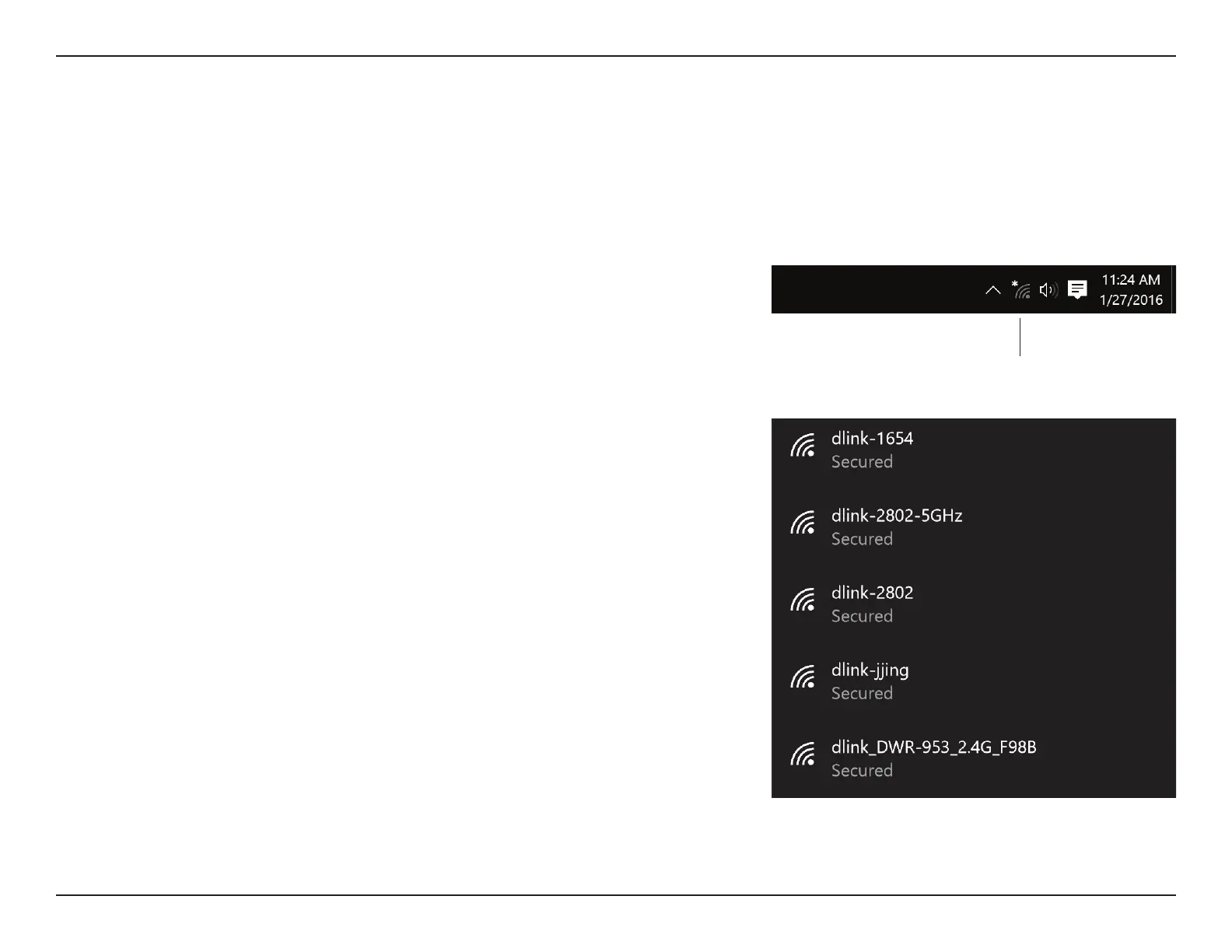
To join an existing network, locate the wireless network icon in the taskbar, next
to the time display and click on it.
Wireless Icon
Clicking on this icon will display a list of wireless networks which are within range
of your computer. Select the desired network by clicking on the SSID.
Windows® 10















 To Next Page