15D-Link DAP-1365 User Manual
Section 3 - Conguration
WPS-PBC Conguration
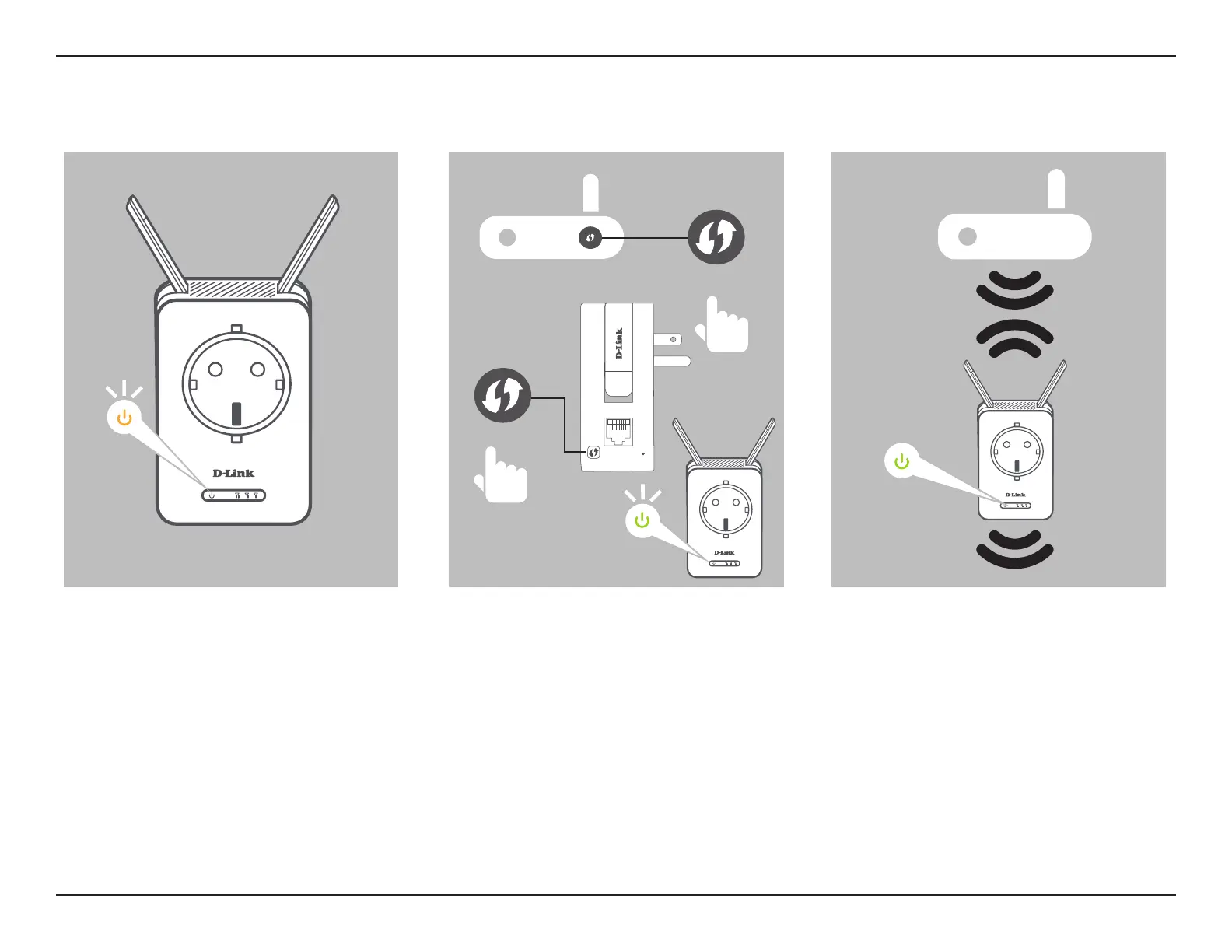
The device is ready to connect to an
uplink network once the WPS/Status
LED is blinking amber.
Push the WPS buttons on both the
source wireless router or access point.
The Status/WPS LED on the DAP-1365
will start to blink green. Please allow up
to two minutes for the process to nish
The Status/WPS LED will turn solid
green once the DAP-1365 has
connected successfully to the uplink
wireless network. The new extension
network will be named:
(Source SSID)-EXT
The password be the same as the
source network’s.
WPS Button
WPS Button
Blinking
Blinking















 To Next Page