20D-Link DAP-1365 User Manual
Section 3 - Conguration
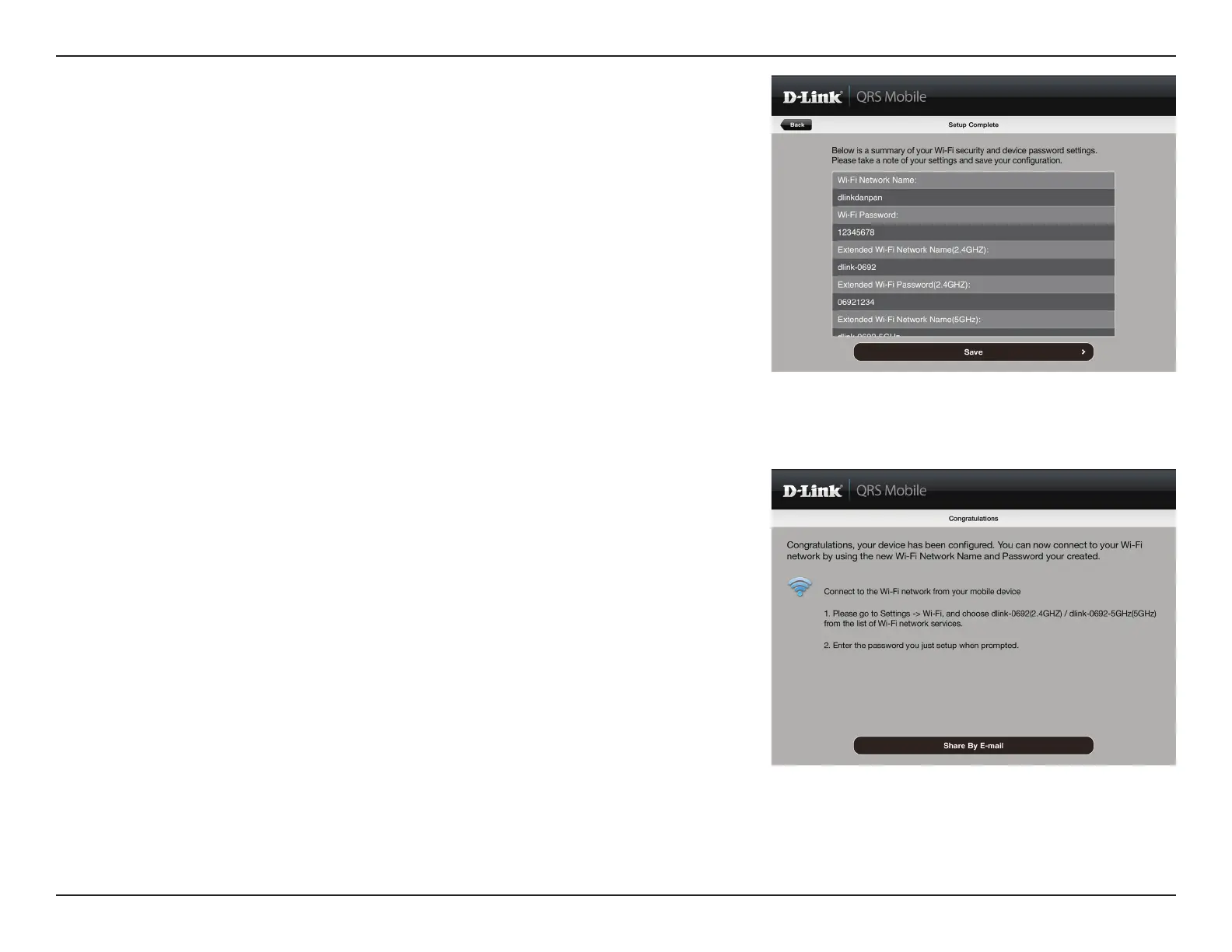
After the setup wizard is complete, the following screen will appear.
To connect to the extended network, you can now change your
mobile device and laptop Wi-Fi settings to the wireless network
name and password you just created. You can also share your Wi-Fi
information by clicking Share by E-mail.
A summary of your settings will be displayed. Click Save to reboot
the device and to complete the setup.















 To Next Page