26D-Link DAP-1365 User Manual
Section 3 - Conguration
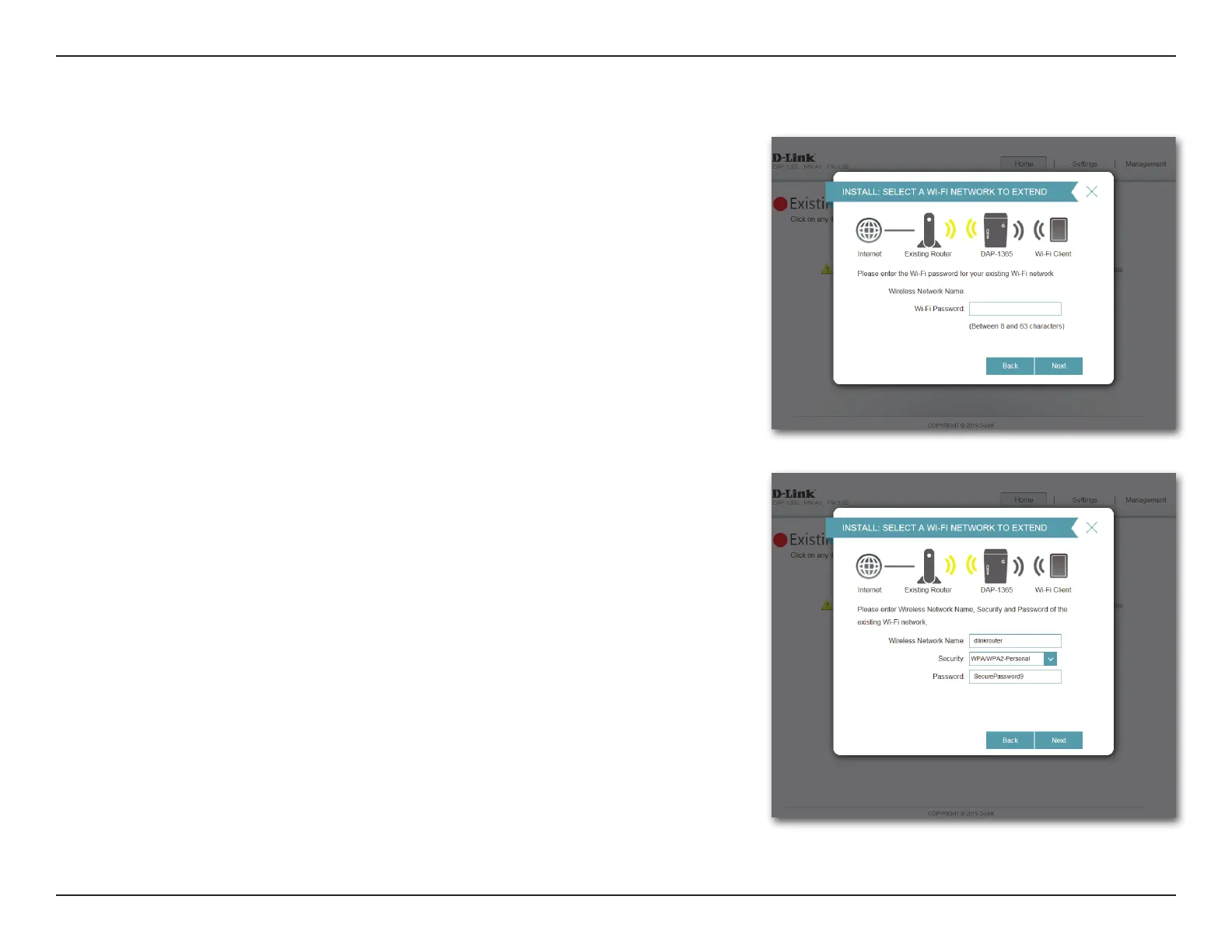
If the wireless network you wish to extend was detected by the scan, enter the
password now.
Click Next to continue on to congure your extension network settings, or click
Back to return to the previous step.
If you chose Manual , enter the Wireless Network Name, type of Security, and
Password of the existing Wi-Fi network you wish to connect to.
Click Next to continue on to congure your extension network settings, or click
Back to return to the previous step.















 To Next Page