42
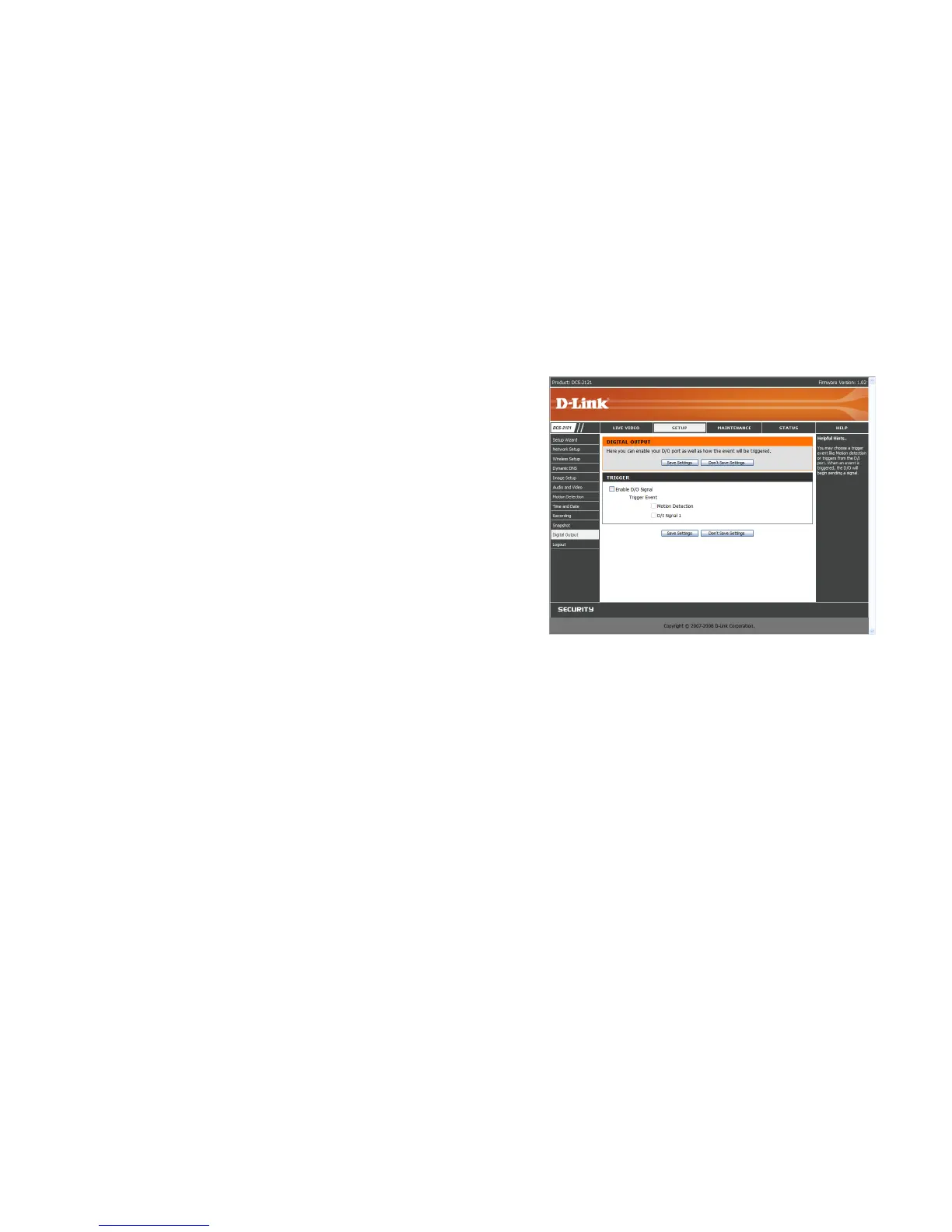
SETUP > Digital Output
This screen allows you to enable the Digital Out (D/O) port, and allows you to select what events
will trigger the Digital Out signal.
Enable D/O: Check this box to enable the D/O port.
Motion Detection: When checked, the D/O port will send a signal whenever motion is
detected by the camera. (When motion detection has been enabled)
D/I: When checked, the D/O port will send a signal whenever a signal is detected on the
Digital In (D/I) port.
Note: If the camera is set to SXGA mode in Audio and Video, Motion Detection is disabled.















 To Next Page