16D-Link DCS-2132L User Manual
Section 2: Installation
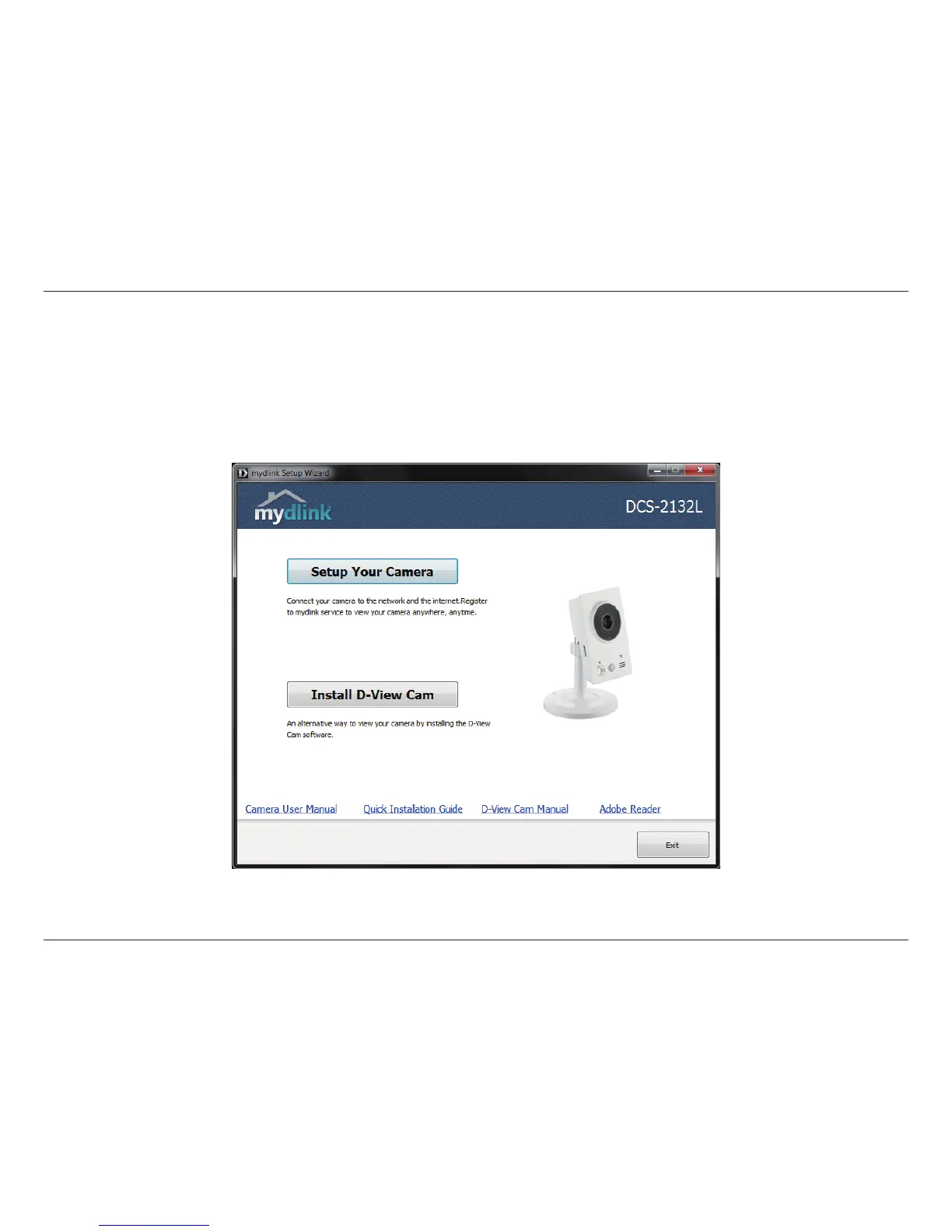
Insert the Installation CD-ROM into your computer’s optical drive to start the autorun program.
The CD-ROM will open the Camera Installation Wizard. Simply click Setup Your Camera to go through the Installation Wizard,
which will guide you through the installation process from connecting your hardware to conguring your camera.
Camera Installation Wizard


 To Next Page