25D-Link DCS-2132L User Manual
Section 2: Installation
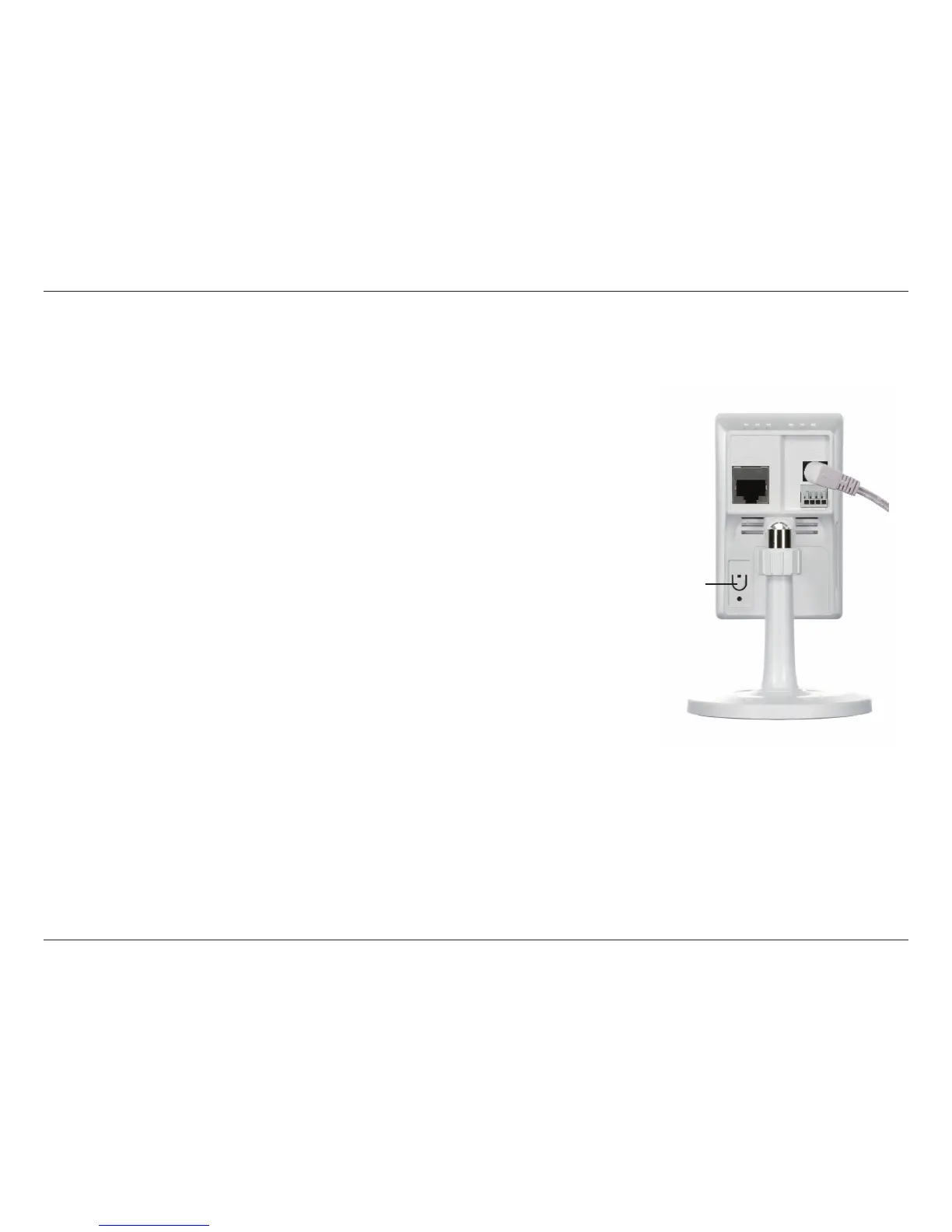
To create a WPS connection:
Step 1
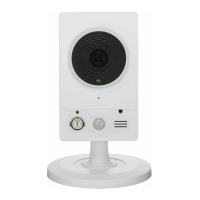
Press and hold the WPS button for approximately 5-6 seconds. The blue WPS
status LED above the button will blink.
Step 2
Within 60 seconds press the WPS button on your router. On some routers, you
may need to log in to the web interface and click on an on-screen button to
activate the WPS feature. If you are not sure where the WPS button is on your
router, please refer to your router’s User Manual.
The DCS-2132L will automatically create a wireless connection to your router.
While connecting, the status LED will ash. When the connection process is
complete, the status LED will turn solid.
WPS - Push Button Setup
WPS Button
If your router supports WPS, you can use the WPS button on the camera to easily create a secure wireless connection to your
network.


 To Next Page