24D-Link DCS-2132L User Manual
Section 2: Installation
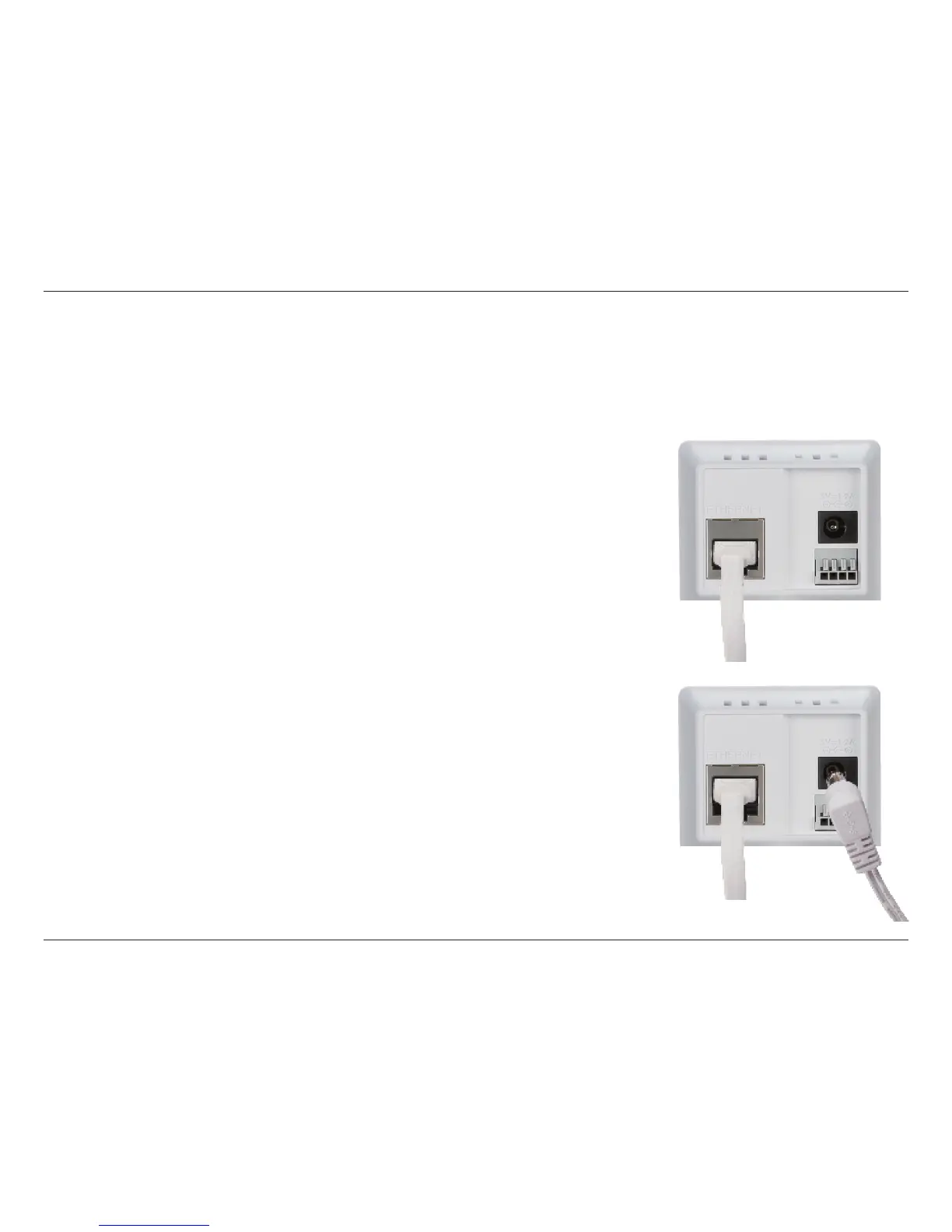
Connect the Ethernet Cable
Connect the included Ethernet cable to the network cable connector located on
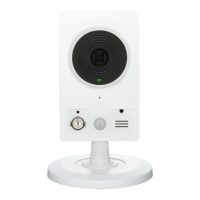
the panel at the rear of the DCS-2132L and attach it to the network.
Attach the External Power Supply
Attach the external power supply to the DC Power receptor located on the rear
panel of the DCS-2132L and connect it to your wall outlet or power strip.
Manual Hardware Installation
If you wish to set up your camera without using the Camera Setup Wizard, please follow these steps.
Note: In order to use the mydlink features of this product, you will need to go through the Camera Setup Wizard.


 To Next Page