8D-Link DCS-6010L User Manual
Section 1: Product Overview
Internal Ports
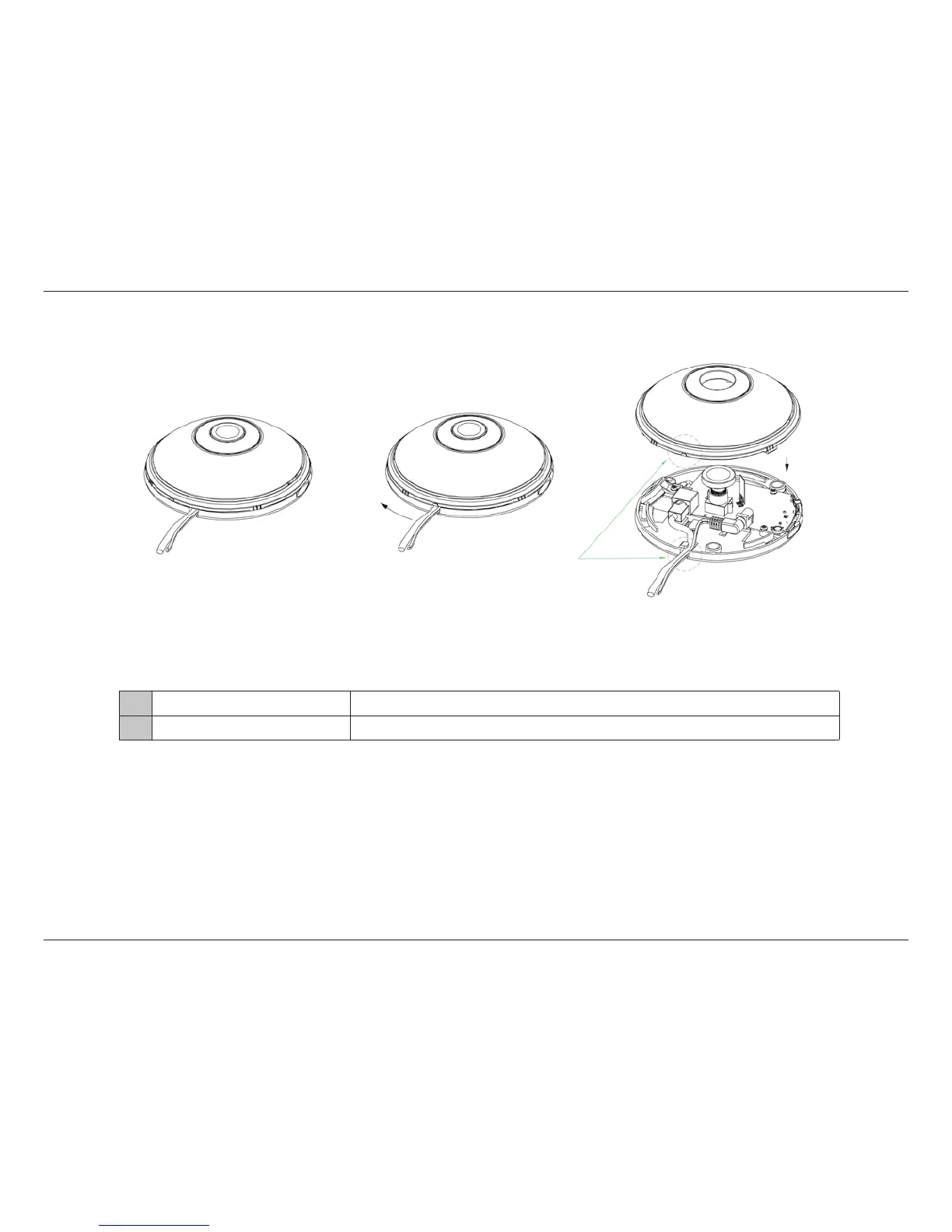
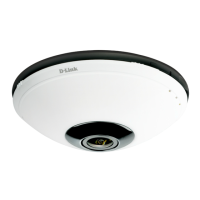
You can access the inside of the DCS-6010L by rotating the camera cover counter-clockwise, then lifting it o of the camera.
Caution: When removing the cover, remove it slowly to avoid disconnecting the microphone.
1 Ethernet Cable
Pre-attached Ethernet cable.
2 Power Cable
Pre-attached power cable.




 To Next Page