118D-Link DHP-1320 User Manual
Section 3 - Conguration
Status:
QoS Setting:
Mac Address:
This field shows the status of the device. If the field
displays the word Connect, then the device is connected
to your PowerLine network. If the eld displays the word
Disconnect, then the device has been added to the
network but it is not ready. Please check its password and
make sure the device is
powered on.
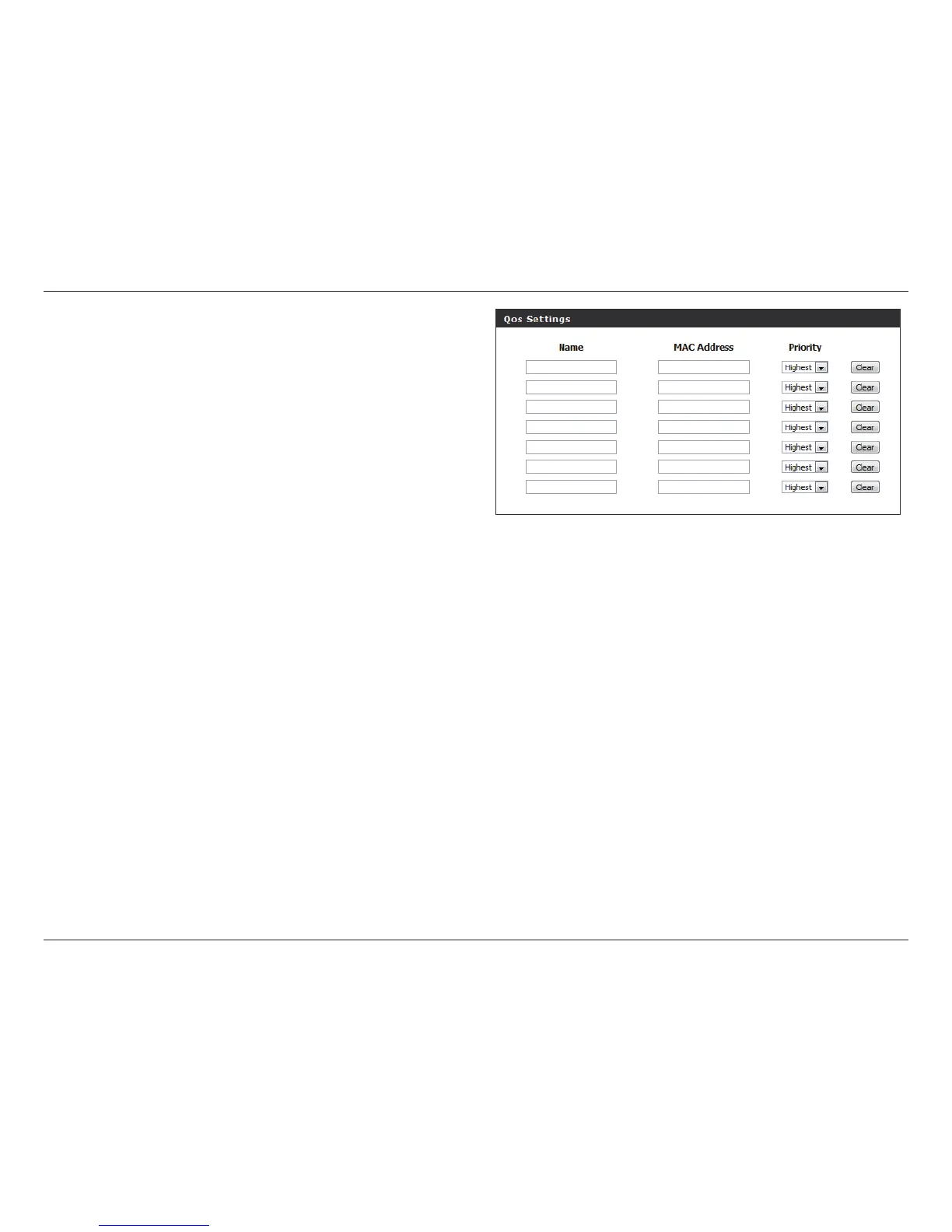
You can congure your PowerLine AV devices to give
priority to powerline network trac accordingly. Enter the
name, MAC Address, and priority level.
You can nd the MAC address printed on the back of your
device.



 To Next Page